13. Create Firebase Project
Firebase is the primary backend for the Admin Panel, User Panel and Mobile App. Create one Firebase project and use its credentials across all clients.
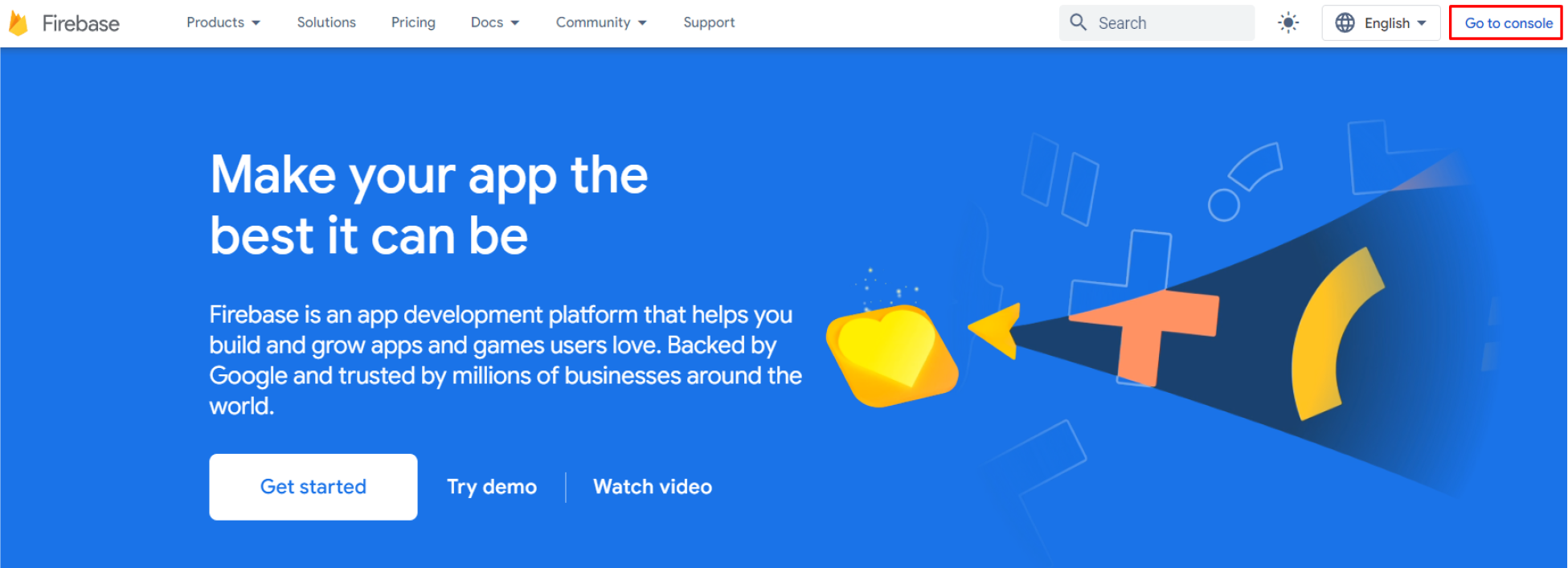
13.1. Go to the Firebase console: https://firebase.google.com/
13.2. Click “Go to console” in the top right corner.
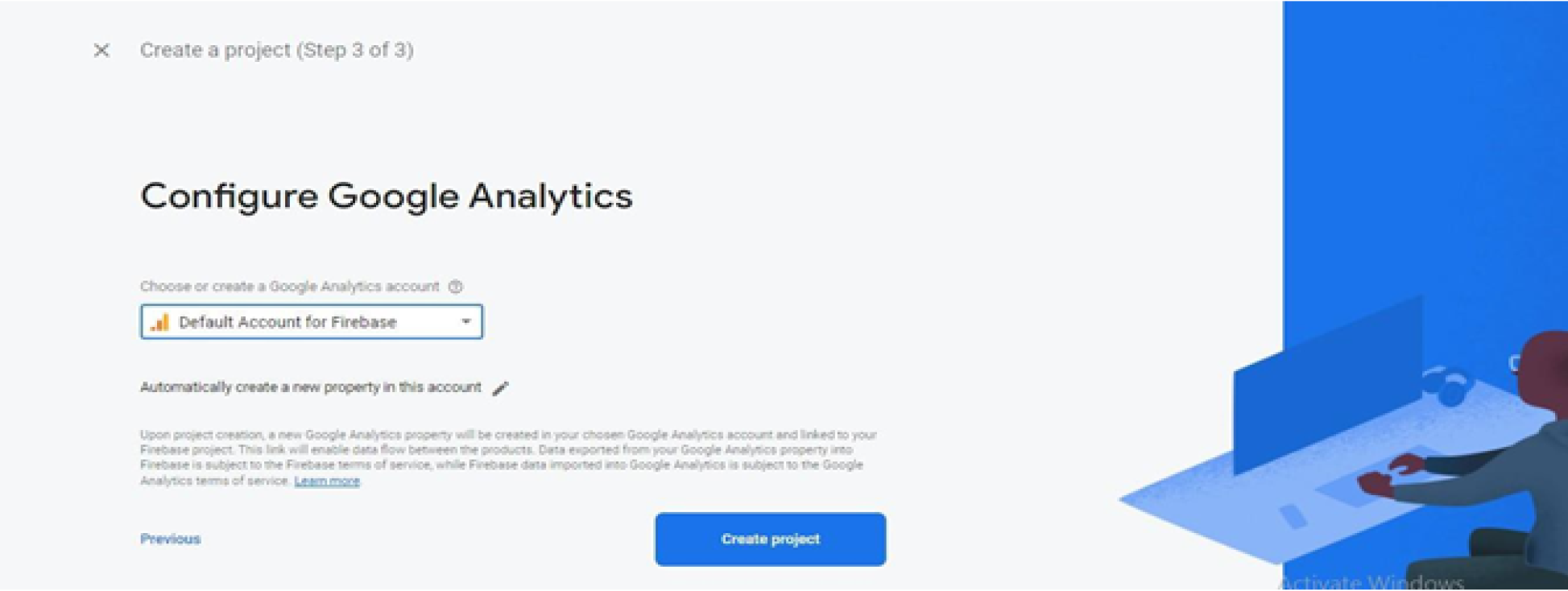
13.3. Click “Add project”, enter your project name and click “Continue”. Choose / configure Google Analytics as desired, then click “Create Project”.
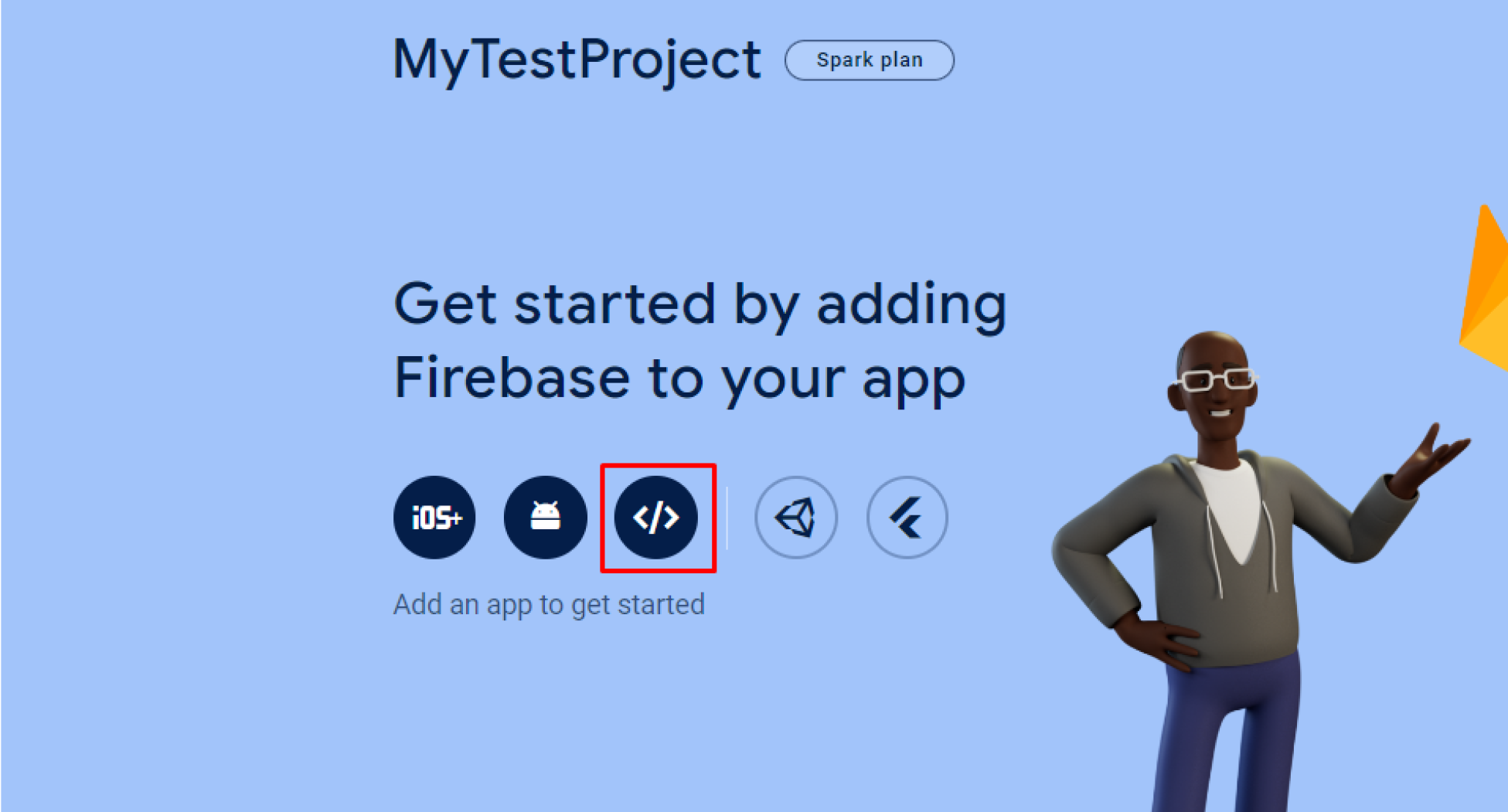
13.4. On the project overview page, click the Web icon (</>) to add a web app. Enter an app nickname and click “Register app”.
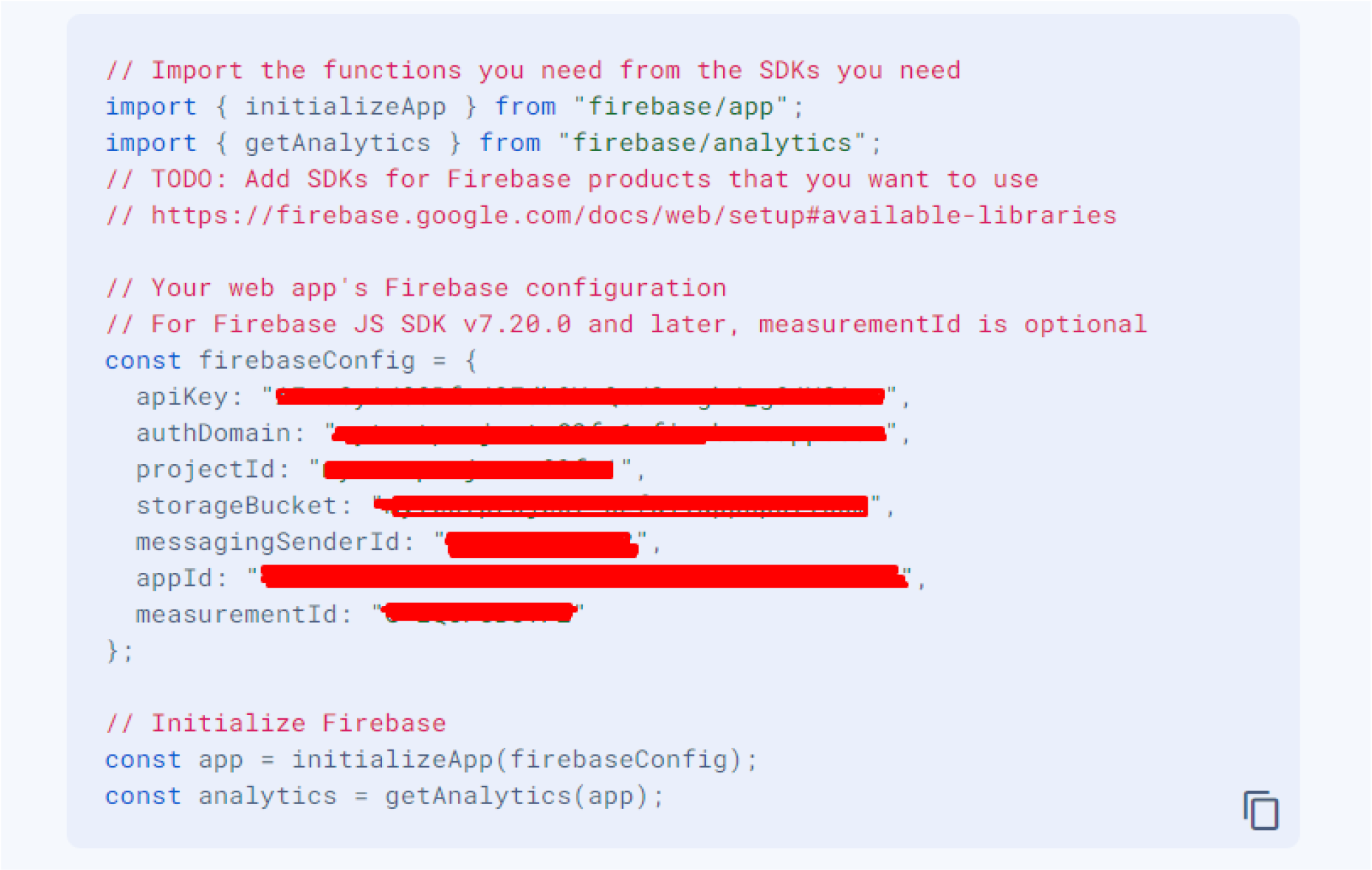
13.5. Firebase will show your web app’s firebaseConfig values (API key, auth domain, project ID, storage bucket, messaging sender ID, app ID). Keep these handy — you will paste them into the .env files of both the Admin and User panels.
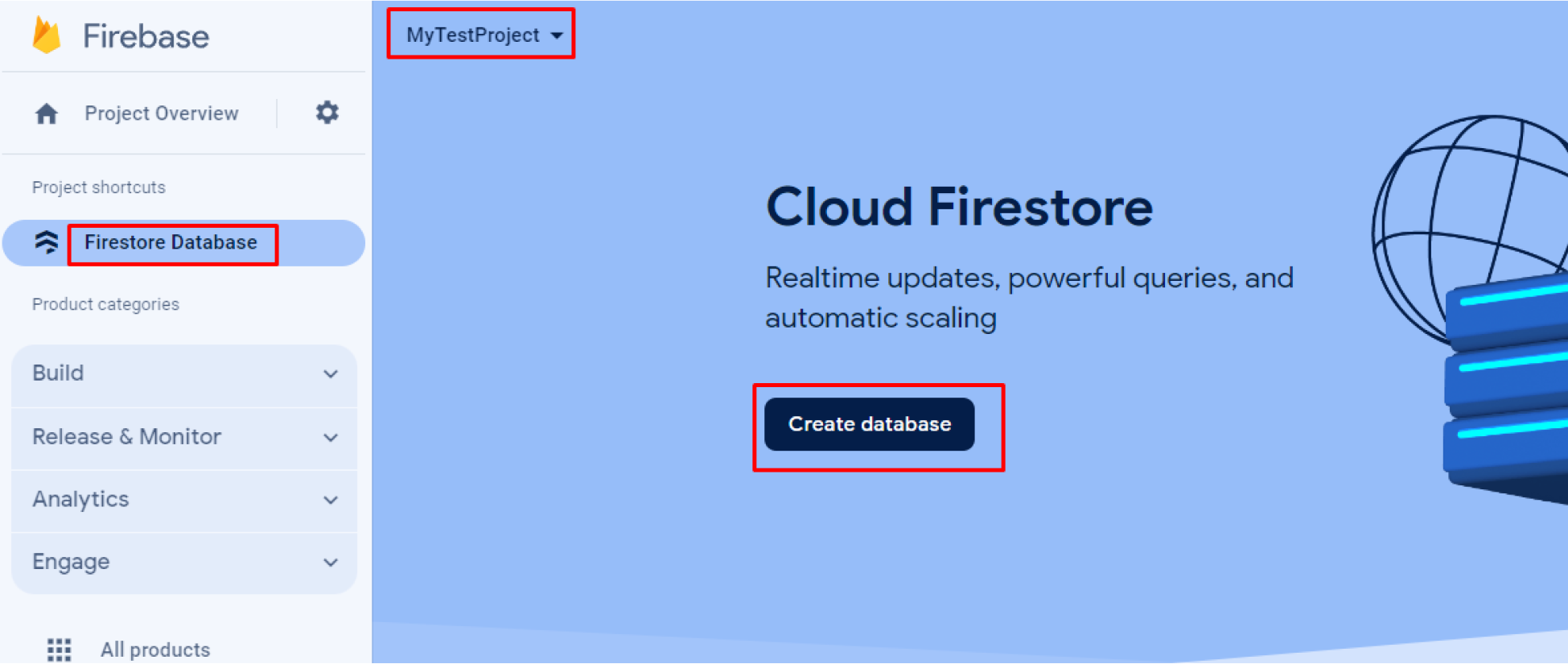
13.6. In the left sidebar, open Firestore Database and click “Create database”. Choose a location and start in the mode you prefer, then click “Enable”.
Named database (staging vs production): QuickList supports a named Firestore database via the FIRESTORE_DATABASE_NAME env value. Leave it as (default)
for production. Internal/staging environments may use a separate named database (e.g. staging). Keep the same value across the Admin and User panels.
13.7. Open Storage in the left sidebar and enable it — QuickList stores advertisement images, avatars and seller documents here.
13.8. Update your Firestore & Storage security rules so the panels can read public data and authenticated users can write their own documents. Edit the rules in the Firebase console and click Publish.
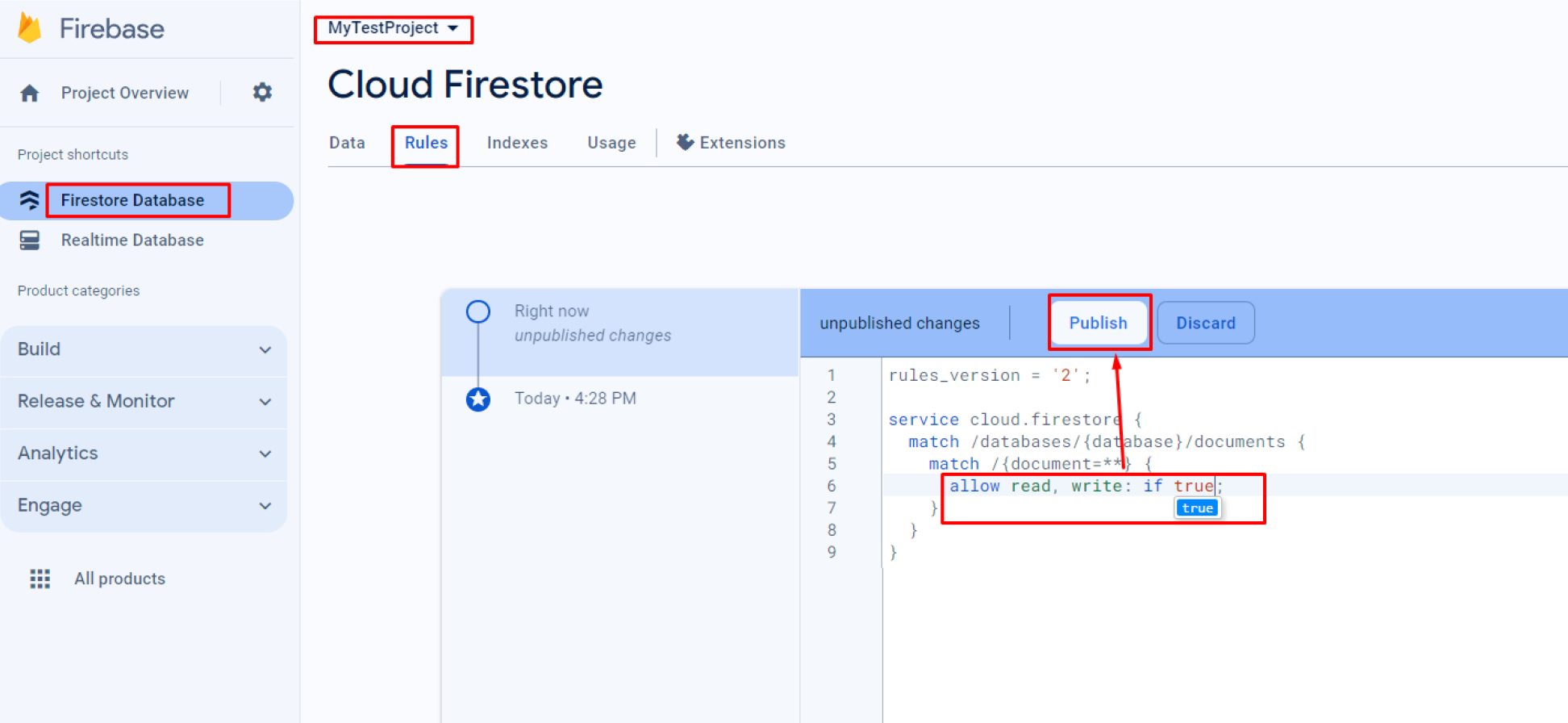
13.9. Firestore Security Rules
These are the Firestore security rules used by QuickList. They grant the admin full access, allow public read access to catalog collections (categories, settings, blogs, etc.), and restrict writes so users can only modify their own records. Open Firestore Database →
Rules, replace the contents with the rules below, and click Publish:
rules_version = '2';
service cloud.firestore {
match /databases/{database}/documents {
function isAdmin() { return request.auth != null && request.auth.token.admin == true; }
function isSelf(uid) { return request.auth != null && request.auth.uid == uid; }
function ownsField(f) {
return request.auth != null && (
(resource != null && resource.data[f] == request.auth.uid) ||
request.resource.data[f] == request.auth.uid
);
}
match /{document=**} { allow read, write: if isAdmin(); }
match /categories/{d}             { allow read: if true; }
match /custom_fields/{d}          { allow read: if true; }
match /languages/{d}              { allow read: if true; }
match /currencies/{d}             { allow read: if true; }
match /countries/{d}              { allow read: if true; }
match /states/{d}                 { allow read: if true; }
match /cities/{d}                 { allow read: if true; }
match /areas/{d}                  { allow read: if true; }
match /settings/{d}               { allow read: if true; }
match /feature_sections/{d}       { allow read: if true; }
match /slider_sections/{d}        { allow read: if true; }
match /safety_tips/{d}            { allow read: if true; }
match /faqs/{d}                   { allow read: if true; }
match /cms_pages/{d}              { allow read: if true; }
match /blogs/{d}                  { allow read: if true; }
match /on_boarding/{d}            { allow read: if true; }
match /report_reasons/{d}         { allow read: if true; }
match /subscription_packages/{d}  { allow read: if true; }
match /notification_templates/{d} { allow read: if true; }
match /users/{uid} {
allow read: if true;            // public profile (name, photo, rating)
// Owner can write anything; any signed-in user may update ONLY the
// review aggregate fields (written when submitting a review).
allow create, delete: if isSelf(uid);
allow update: if isSelf(uid)
|| ( request.auth != null
&& request.resource.data.diff(resource.data).affectedKeys()
.hasOnly(['reviewCount', 'reviewSum']) );
match /{sub=**} {
allow read, write: if isSelf(uid);
}
}
match /advertisements/{ad} {
allow read   : if true;
allow create : if ownsField('userId');
allow delete : if ownsField('userId');
// Owner can edit anything; any signed-in user may only bump the counters.
allow update : if ownsField('userId')
|| ( request.auth != null
&& request.resource.data.diff(resource.data).affectedKeys()
.hasOnly(['viewCount', 'likeCount', 'updatedAt']) );
// Per-user view records (advertisements/{ad}/views/{uid})
match /views/{uid} {
allow read, write: if request.auth != null;
}
}
match /notifications/{n} {
allow read:   if ownsField('userId');
allow update: if ownsField('userId');
allow create: if request.auth != null;
}
match /seller_verifications/{d}  { allow read, write: if ownsField('userId'); }
match /seller_documents/{d}      { allow read, write: if ownsField('userId'); }
match /user_subscriptions/{d}    { allow read, write: if ownsField('userId'); }
match /user_reports/{d}          { allow read, write: if ownsField('userId'); }
match /favorite_item/{d}         { allow read, write: if ownsField('userId'); }
match /review/{d} {
allow read: if true;
allow create, update: if ownsField('reviewerId');
}
match /chat/{chatId} {
// get/list: participants only; also allow the existence-check on a
// not-yet-created conversation (resource == null).
allow read: if request.auth != null &&
( resource == null
|| resource.data.buyerId == request.auth.uid
|| resource.data.sellerId == request.auth.uid );
allow create: if request.auth != null &&
( request.resource.data.buyerId == request.auth.uid
|| request.resource.data.sellerId == request.auth.uid );
allow update, delete: if request.auth != null &&
( resource.data.buyerId == request.auth.uid
|| resource.data.sellerId == request.auth.uid );
match /messages/{m} {
allow read, write: if request.auth != null;
}
}
}
}
13.10. Storage Security Rules
These are the Firebase Storage security rules used by QuickList. They
allow public reads of catalog images (sliders, categories, blogs, and more) and restrict uploads to
the owning user with image type and size validation. Open Storage → Rules, replace
the contents with the rules below, and click Publish:
rules_version = '2';
service firebase.storage {
match /b/{bucket}/o {
function isAdmin() { return request.auth != null && request.auth.token.admin == true; }
function isOwner(uid)   { return request.auth != null && request.auth.uid == uid; }
function validImage(mb) { return request.resource.size < mb * 1024 * 1024 && request.resource.contentType.matches('image/.*'); }
// Admin has full access everywhere
match /{allPaths=**} { allow read, write: if isAdmin(); }
// Public reads
match /sliders/{allPaths=**}       { allow read: if true; }
match /custom_fields/{allPaths=**} { allow read: if true; }
match /categories/{allPaths=**}    { allow read: if true; }
match /subscription_packages/{allPaths=**} { allow read: if true; }
match /blogs/{allPaths=**}         { allow read: if true; }
match /cms_pages/{allPaths=**}     { allow read: if true; }
match /faqs/{allPaths=**}          { allow read: if true; }
// Flutter user uploads
match /advertisements/{userId}/{allPaths=**} {
allow read  : if request.auth != null;
allow write : if isOwner(userId) && validImage(10);
}
match /profileImage/{userId}/{allPaths=**} {
allow read  : if request.auth != null;
allow write : if isOwner(userId) && validImage(5);
}
match /seller_verifications/{userId}/{allPaths=**} {
allow read  : if isOwner(userId);
allow write : if isOwner(userId) && validImage(5);
}
match /verification_documents/{userId}/{allPaths=**} {
allow read, write: if isOwner(userId);
}
}
}


