17. Admin Panel Menus Overview
After logging in, the admin panel sidebar is organized into the following groups. Menu items are shown based on the logged-in admin’s role permissions.
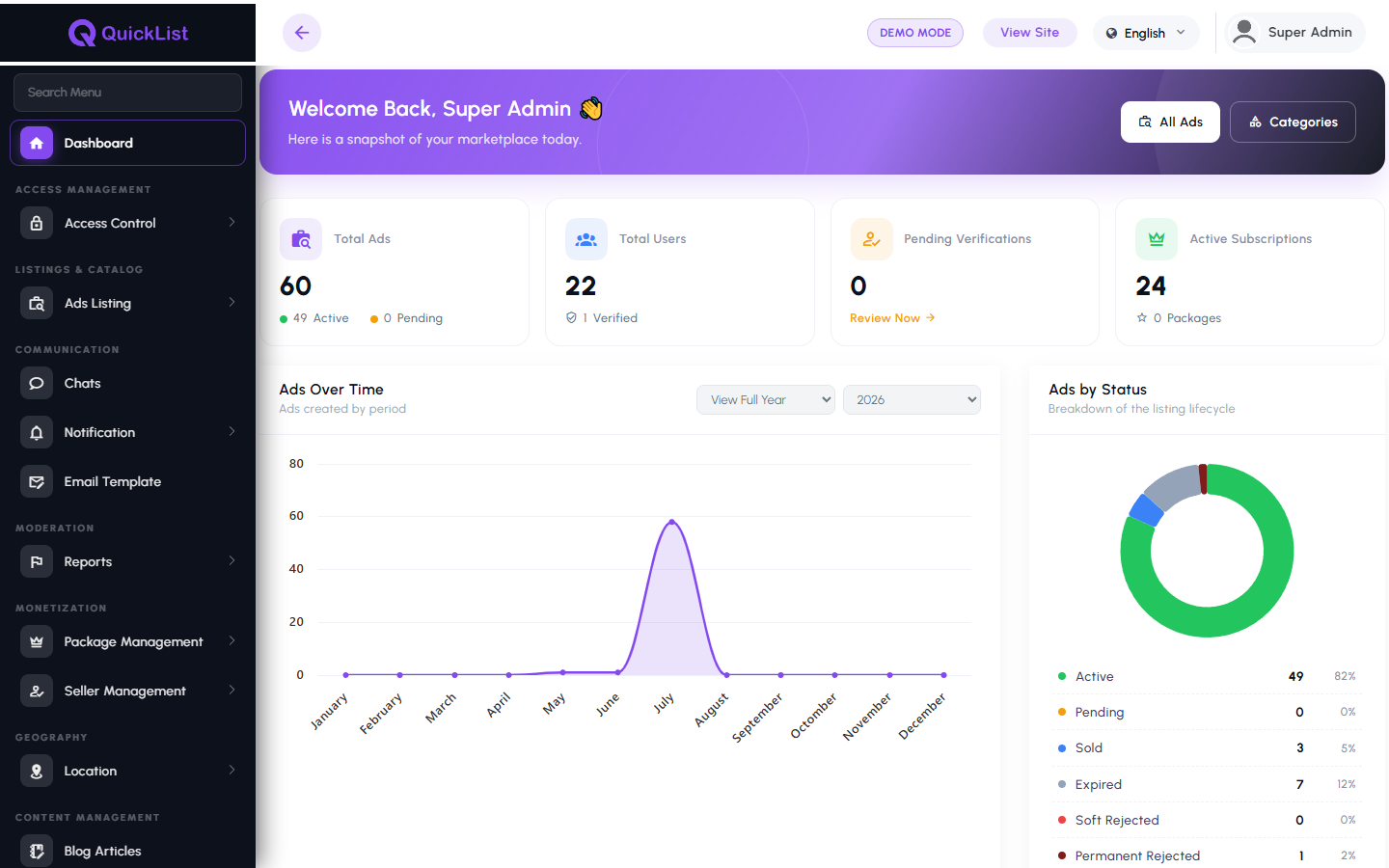
17.1. Dashboard
At-a-glance overview of the marketplace — key counts (total ads, users, pending verifications, active subscriptions), an “Ads Over Time” chart and an “Ads by Status” breakdown.
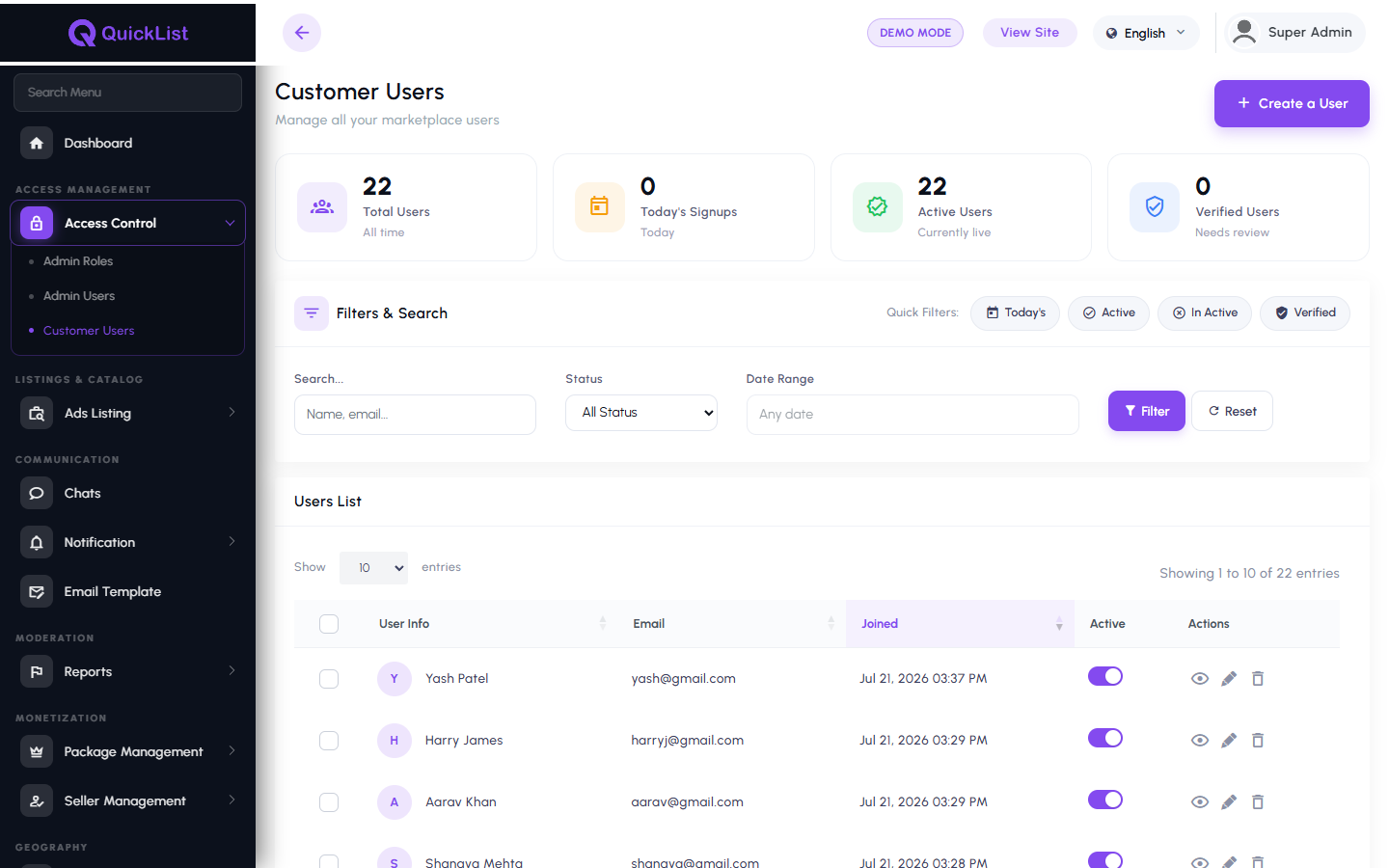
17.2. Access Management
- Roles — define roles and their permissions (QuickList uses its own permission system).
- Admins — manage back-office admin accounts.
- Users (Customers) — manage marketplace buyers/sellers.
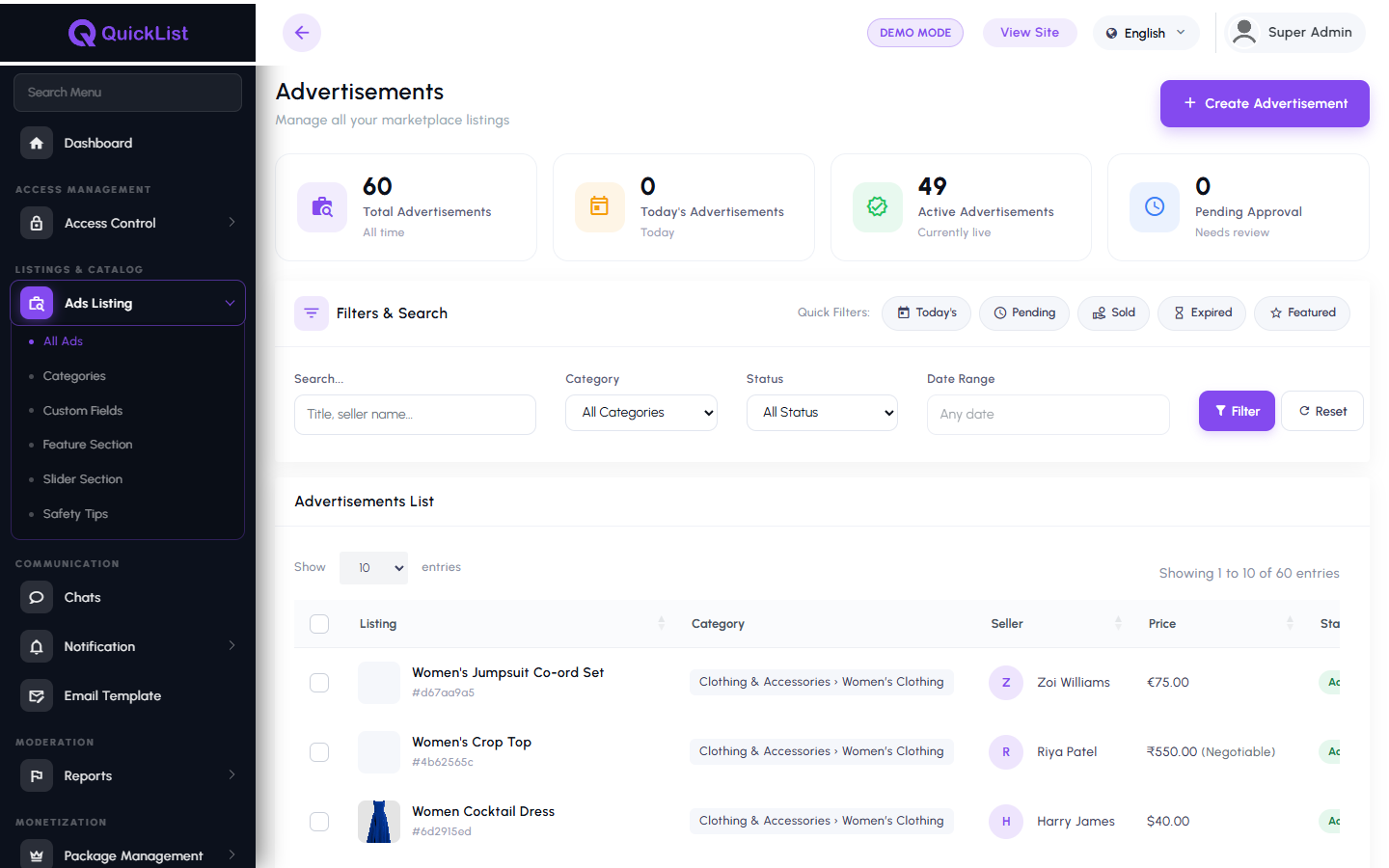
17.3. Listings & Catalog
- All Ads — view, approve, edit and moderate every advertisement.
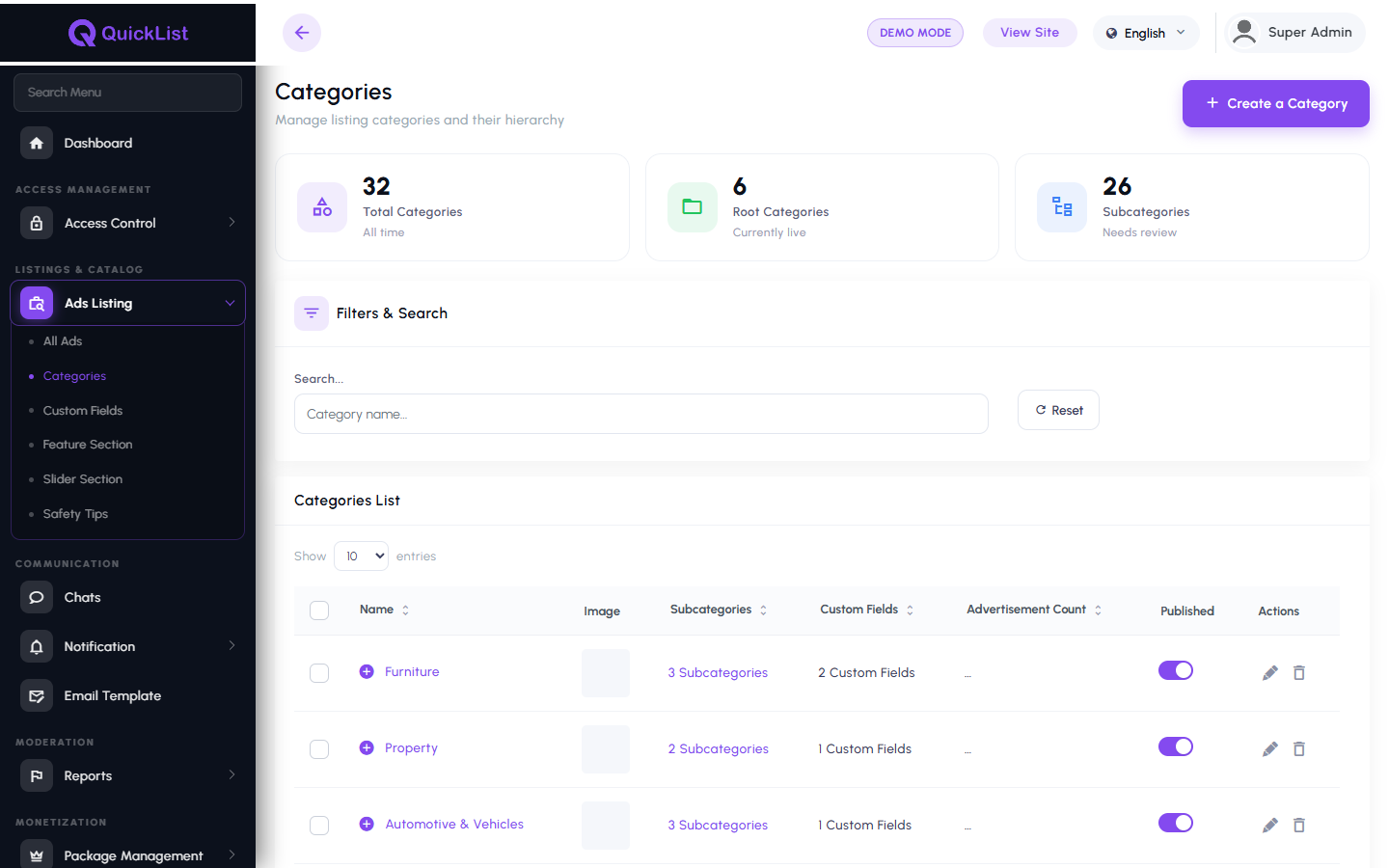
- Categories — manage unlimited nested categories.
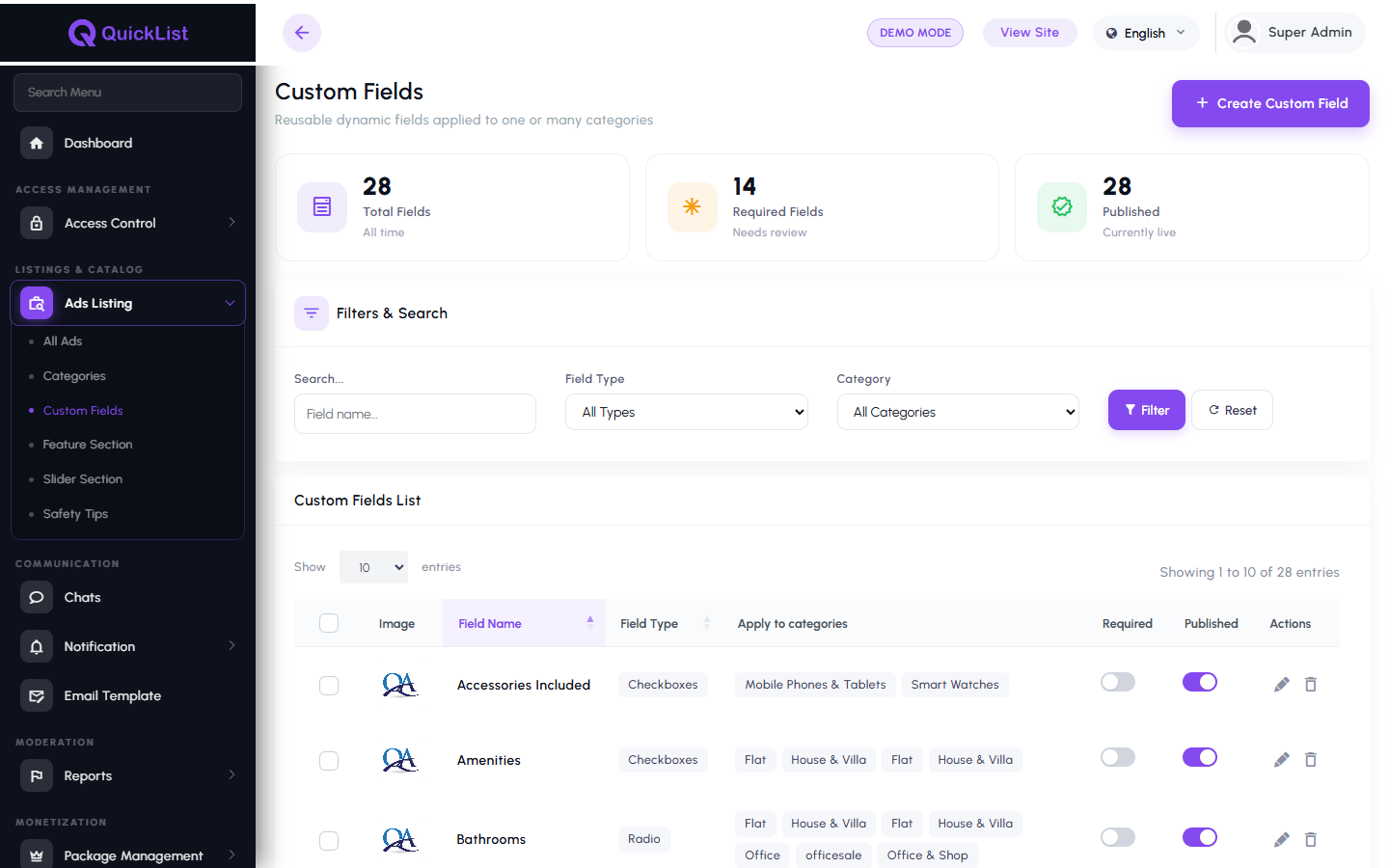
- Custom Fields — dynamic per-category fields (text, number, dropdown, radio, checkbox).
- Feature Section — curated home-page ad sections.
- Slider Section — home-page banner carousel.
- Safety Tips — buyer/seller safety guidance shown on the site.
17.4. Communication
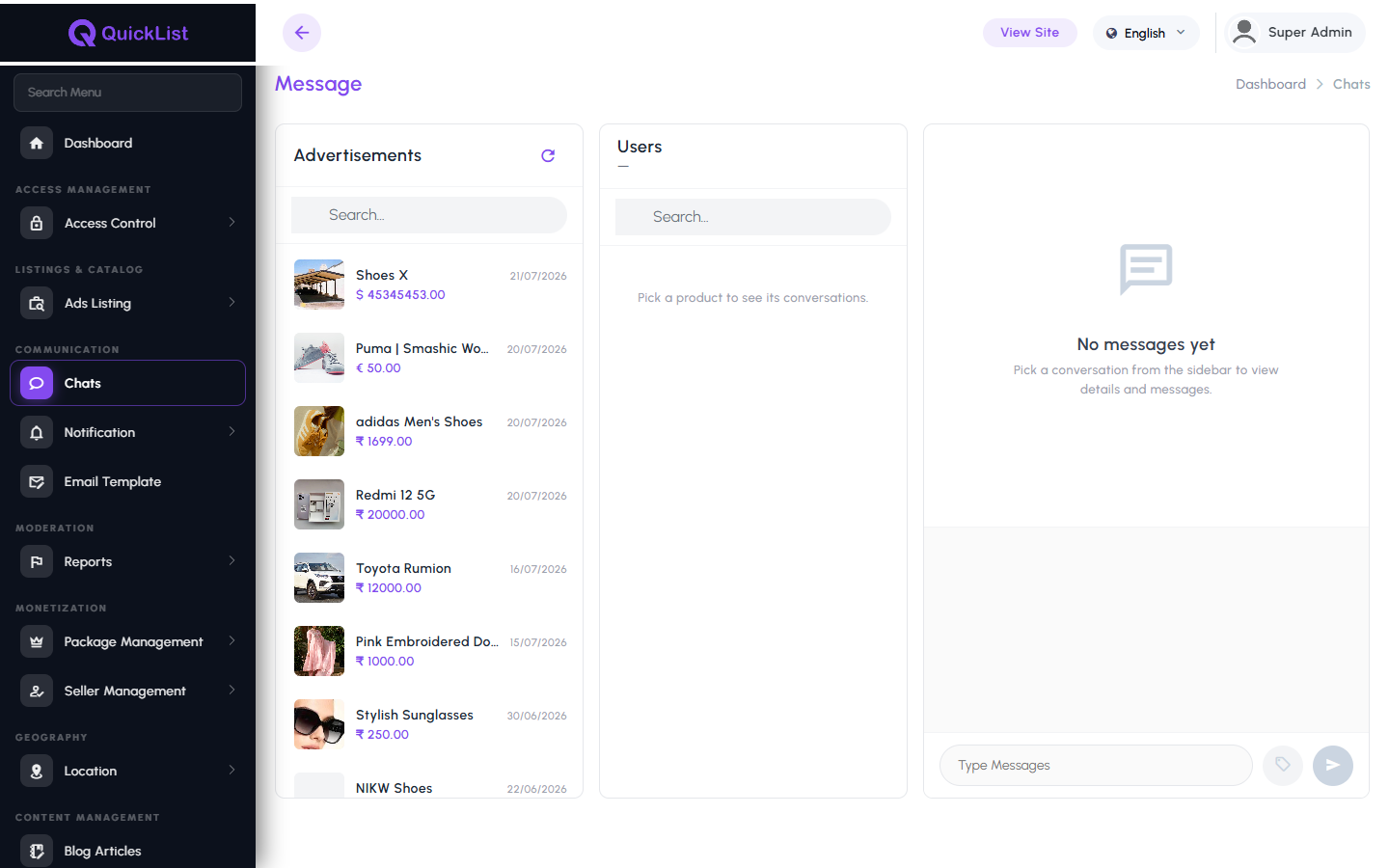
- Chats — monitor buyer ↔ seller conversations.
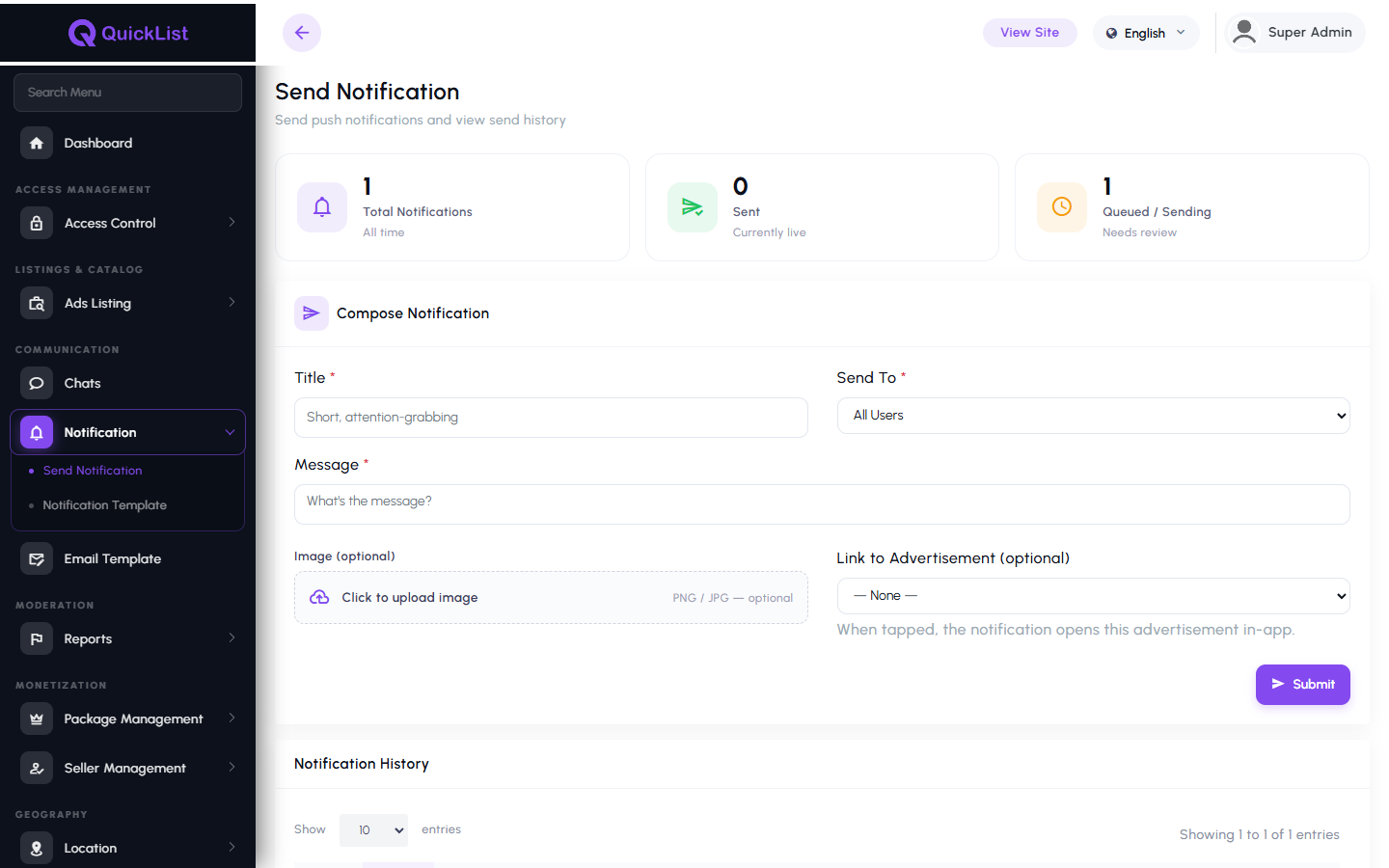
- Notification — send push notifications (FCM) and manage notification templates.
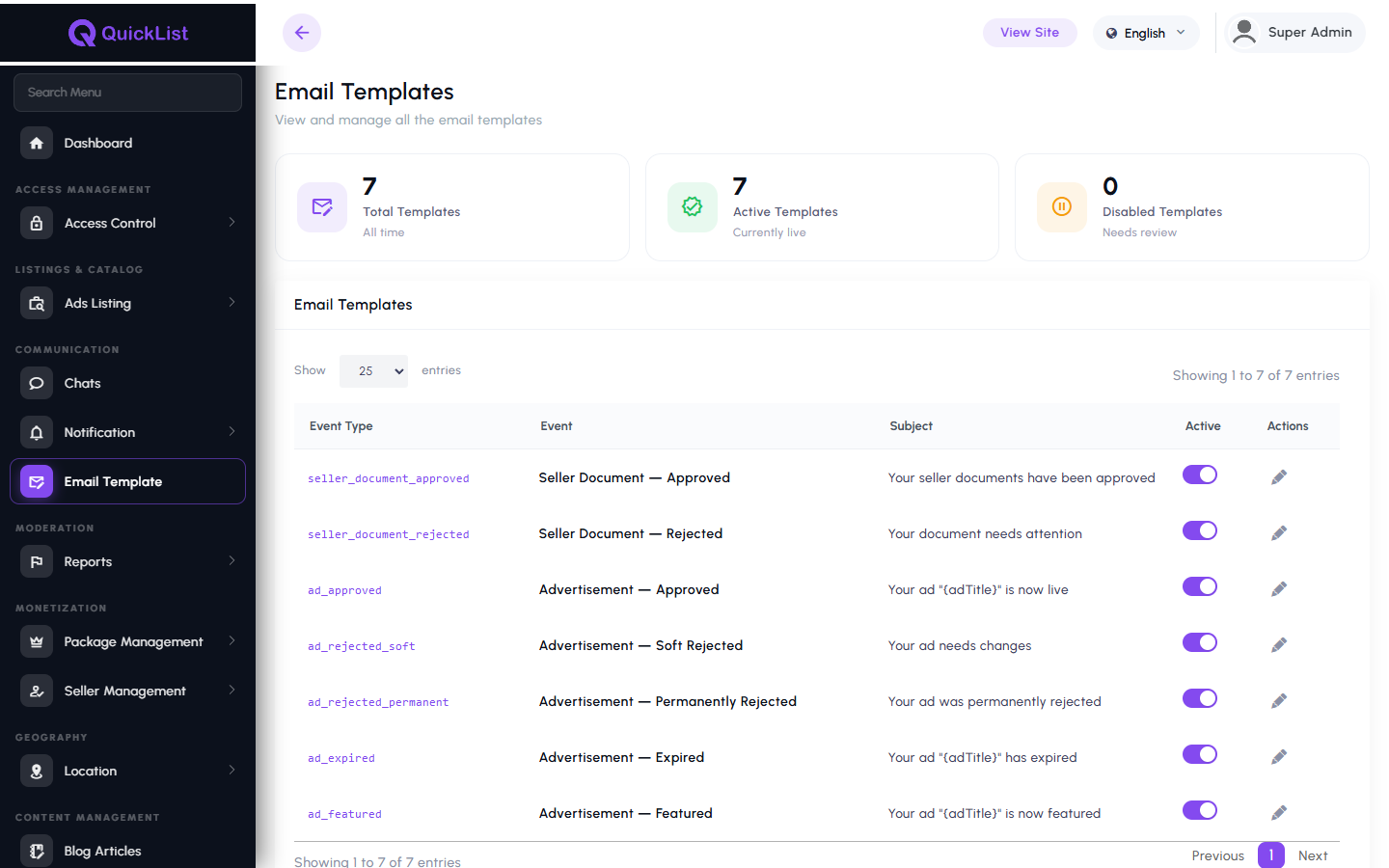
- Email Template — manage transactional email templates.
17.5. Moderation
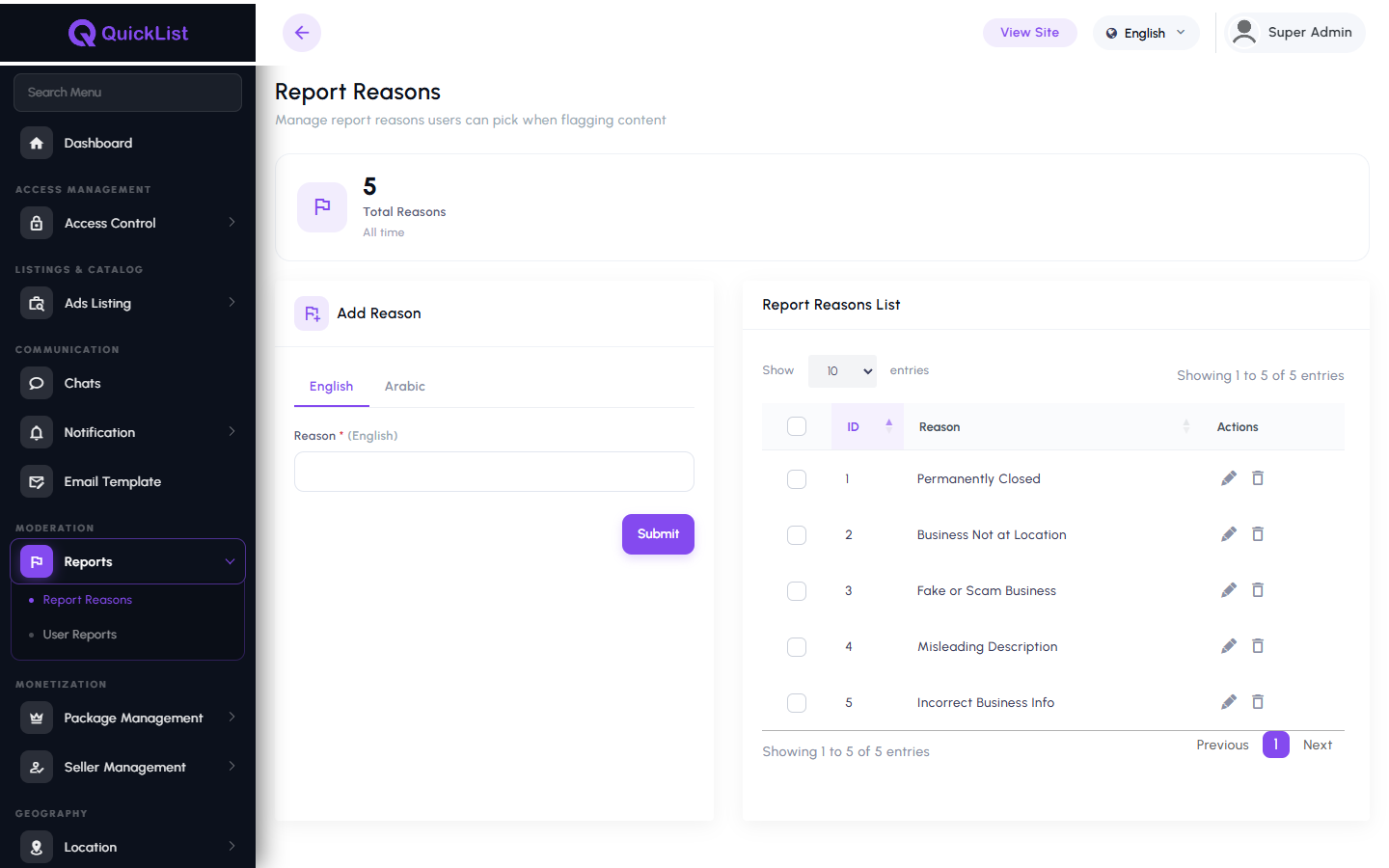
- Report Reasons — configurable reasons users can pick when reporting.
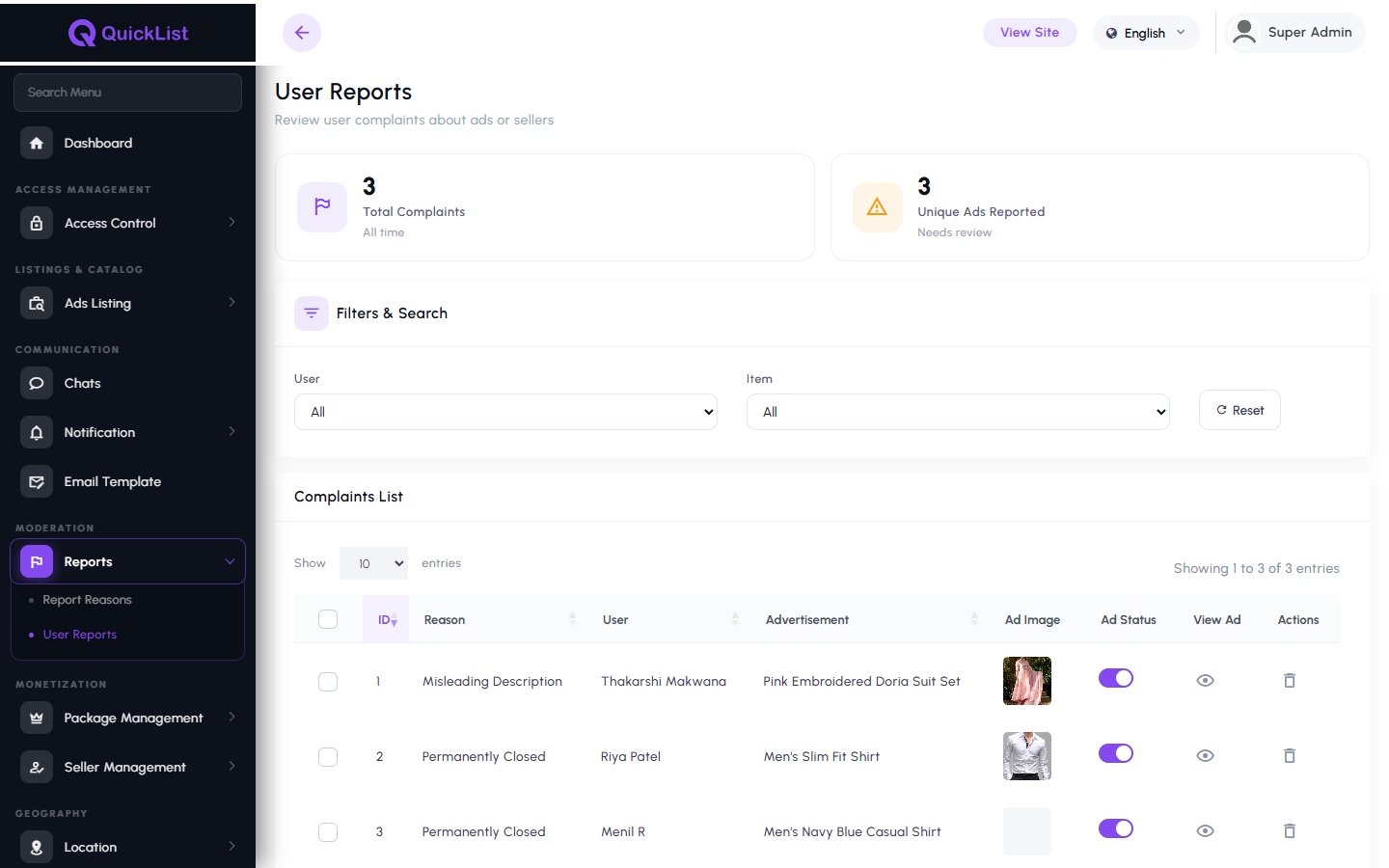
- User Reports (Complaints) — review and act on reported ads/users.
17.6. Monetization
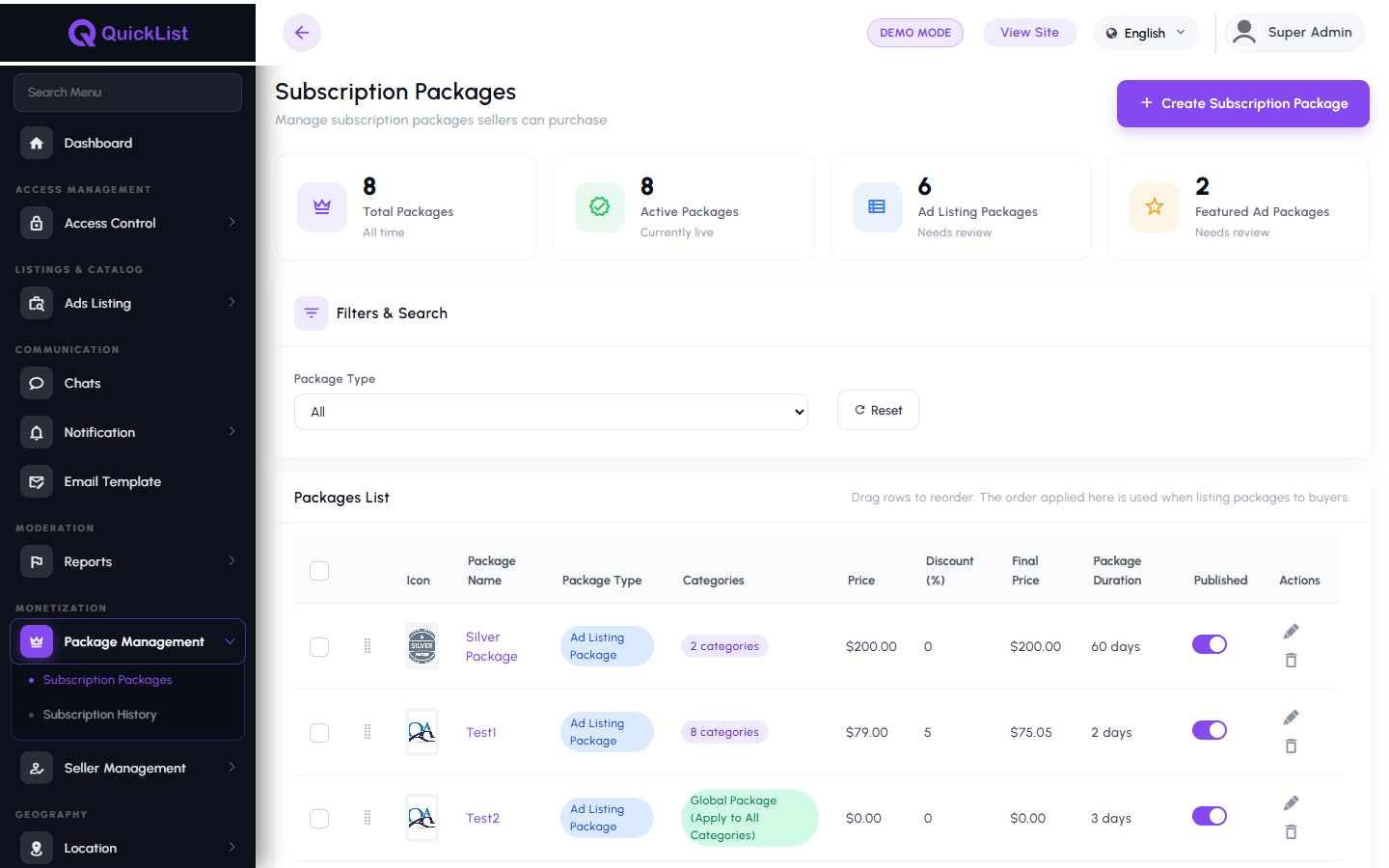
- Subscription Packages — create Ad-Listing and Featured-Ads plans.
- Subscription History — view users’ purchased subscriptions.
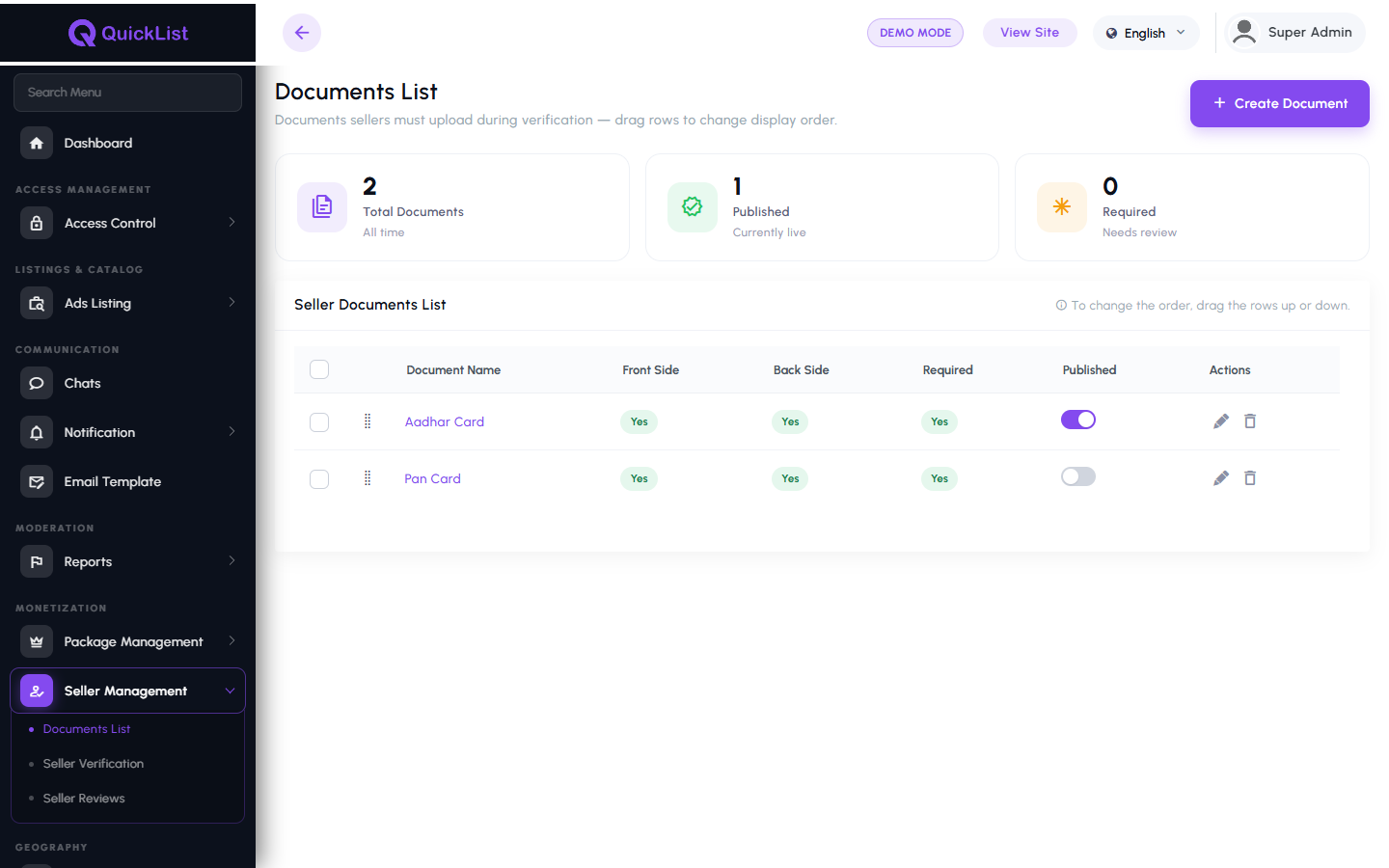
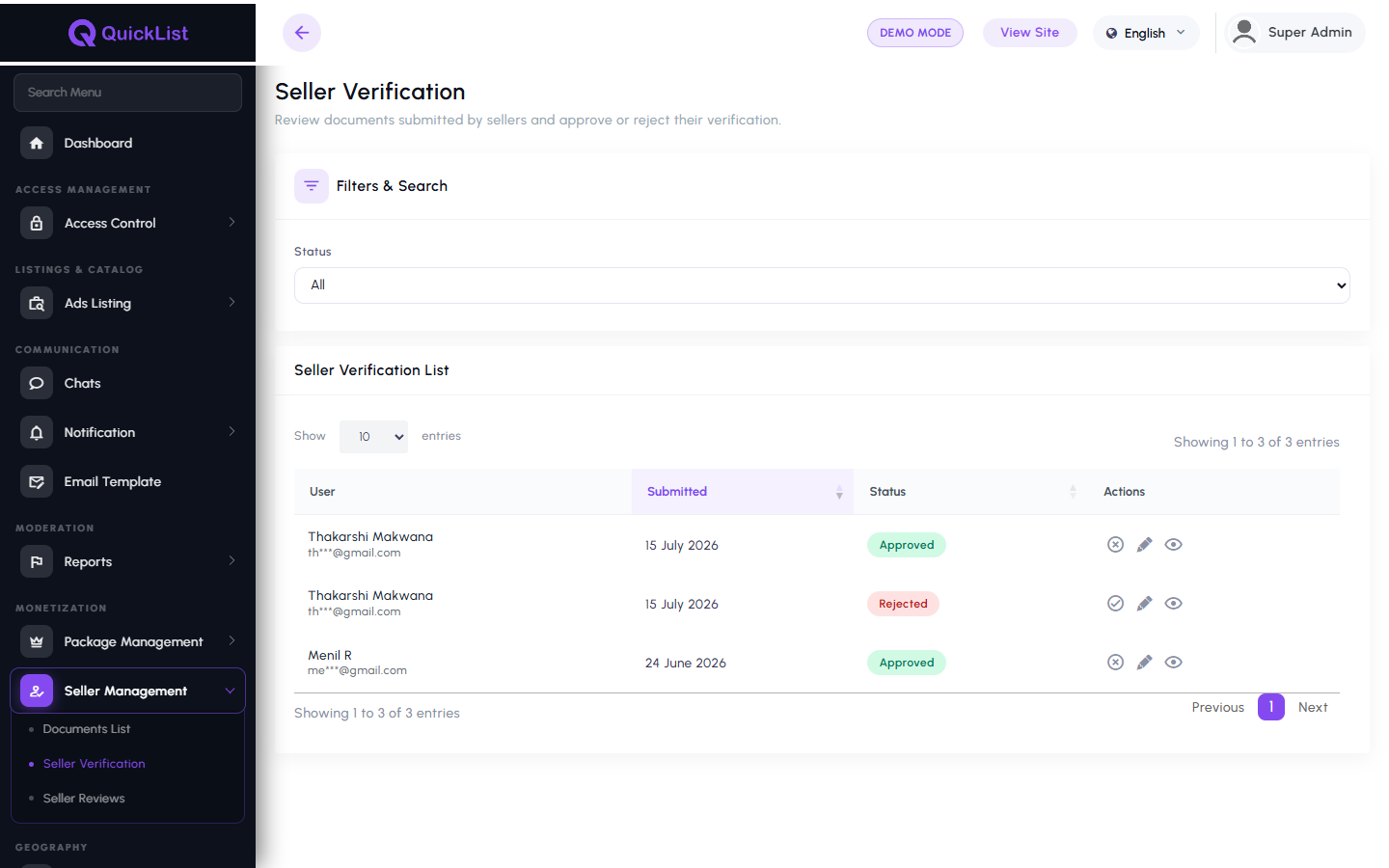
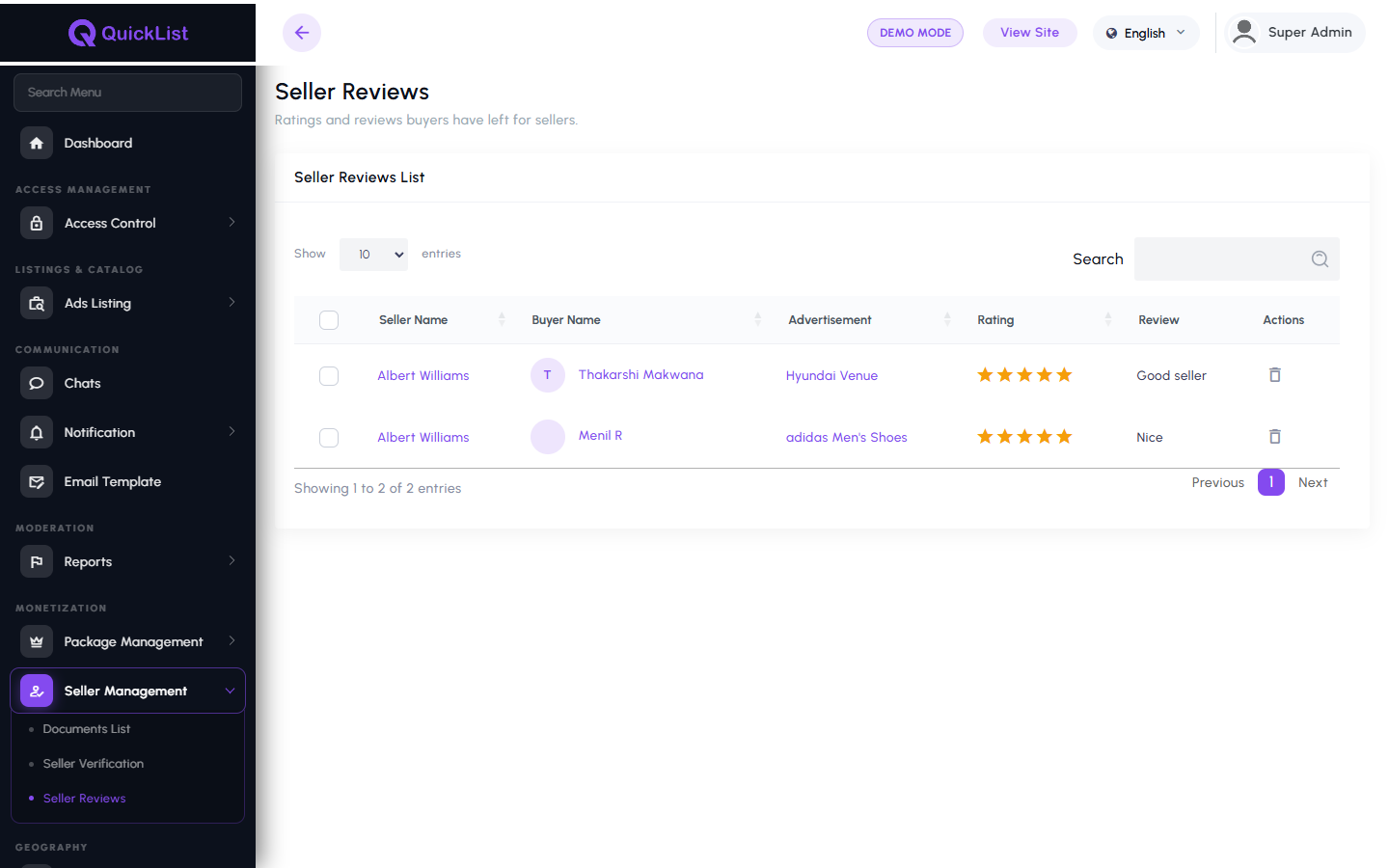
17.7. Seller Management
- Seller Documents — define the documents required for verification.
- Seller Verifications — approve/reject submitted verification requests.
- Seller Reviews — moderate ratings and reviews.
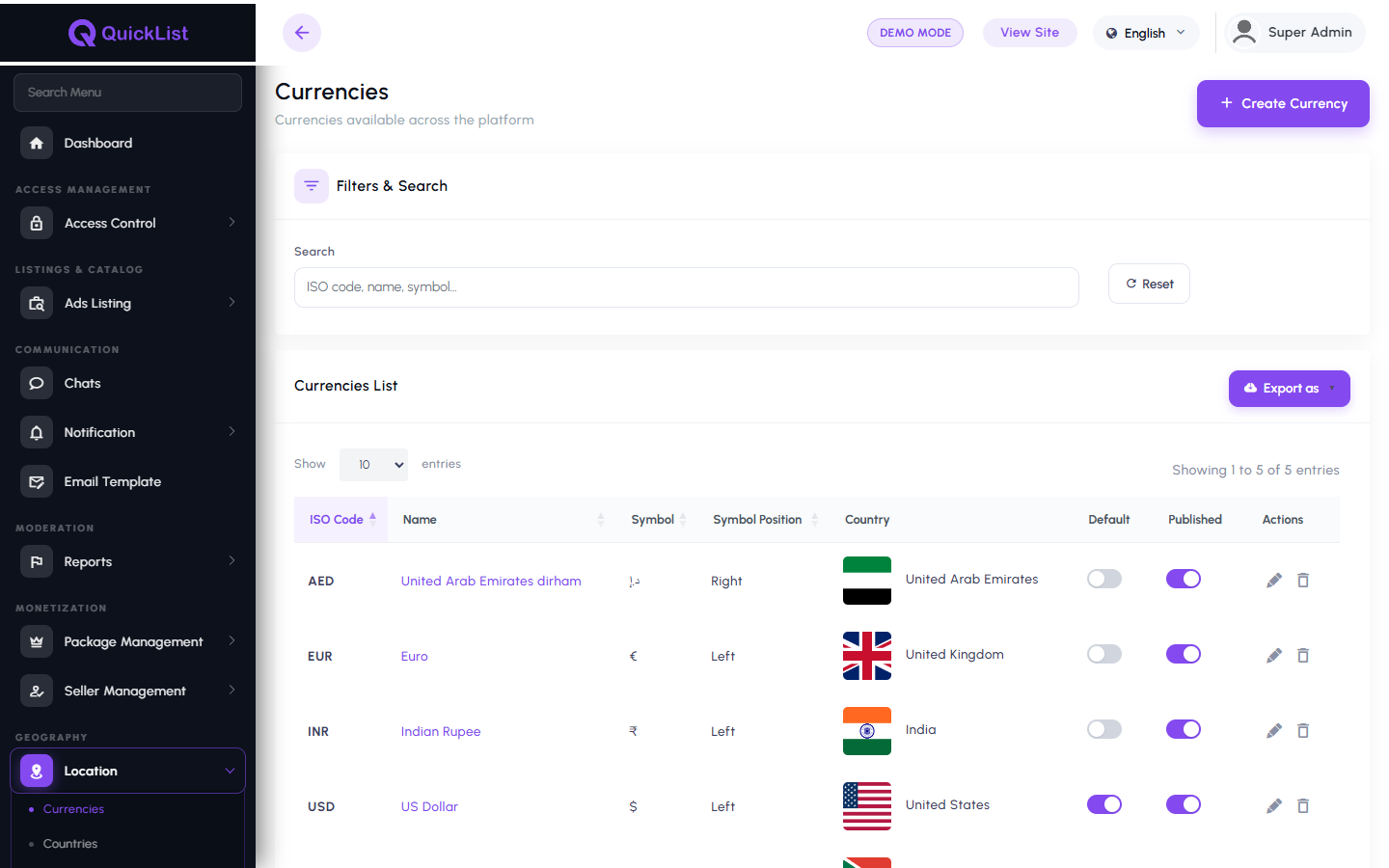
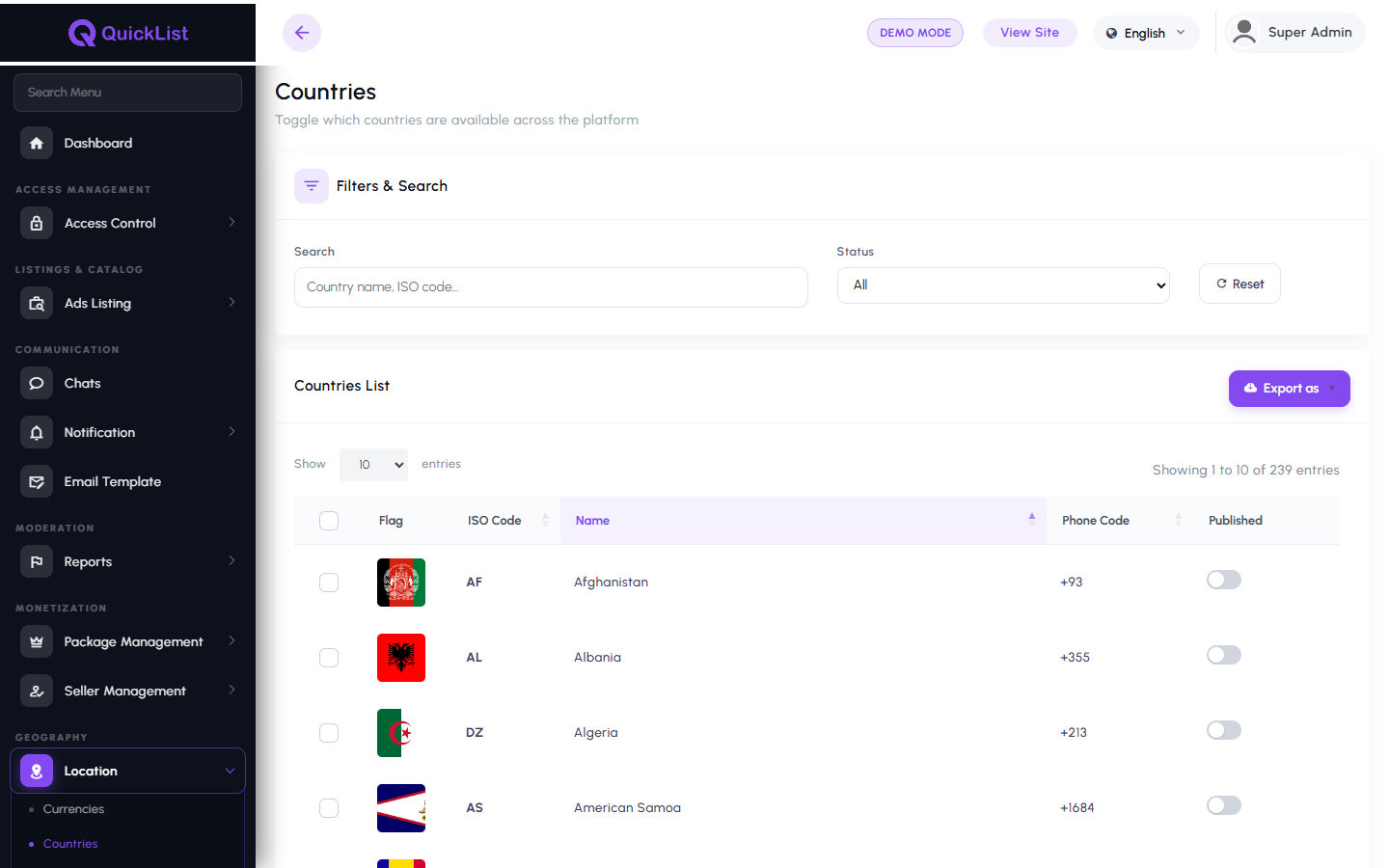
17.8. Geography (Location)
- Currencies, Countries, States, Cities, Areas — manage the location hierarchy and currencies used across the marketplace.
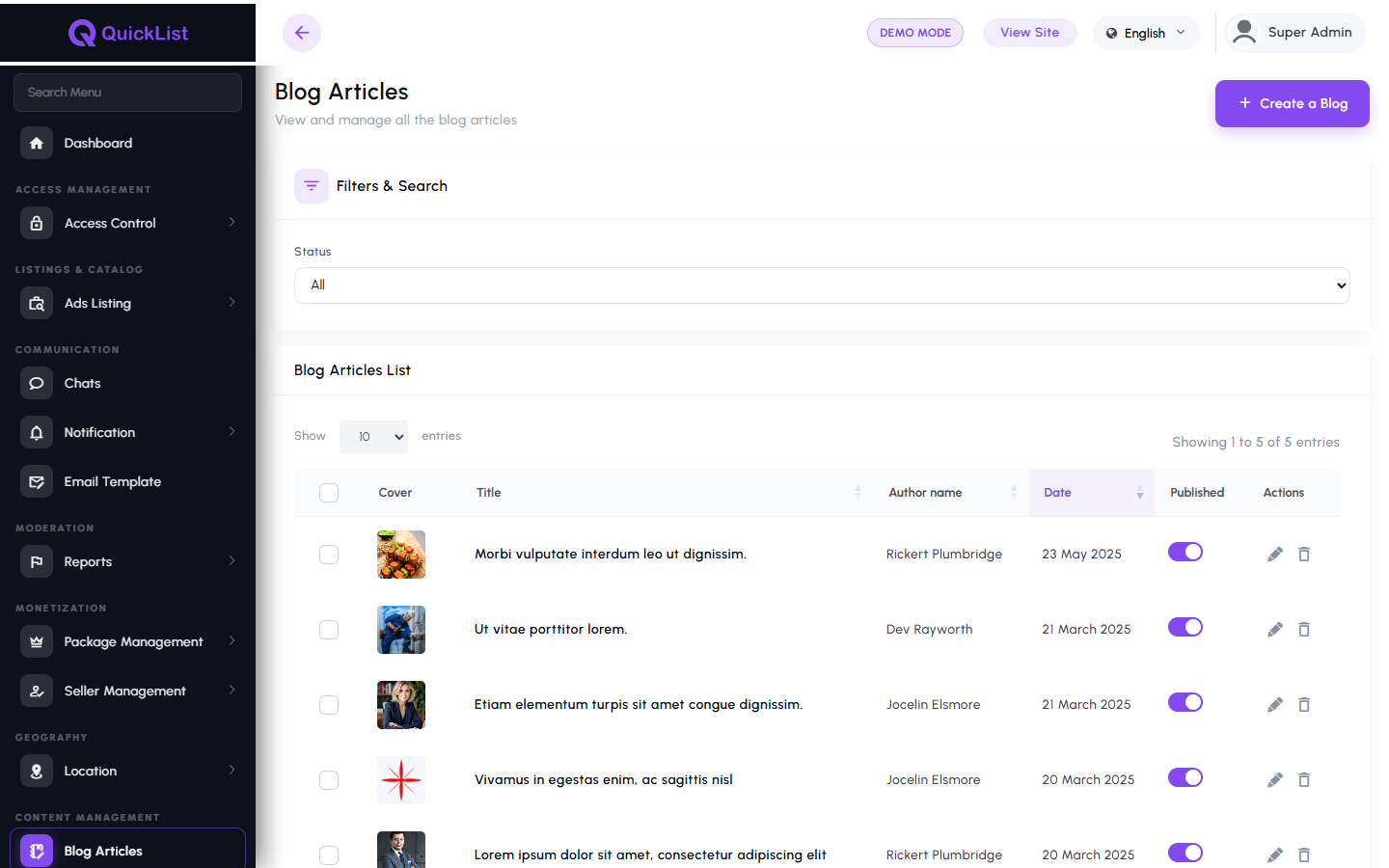
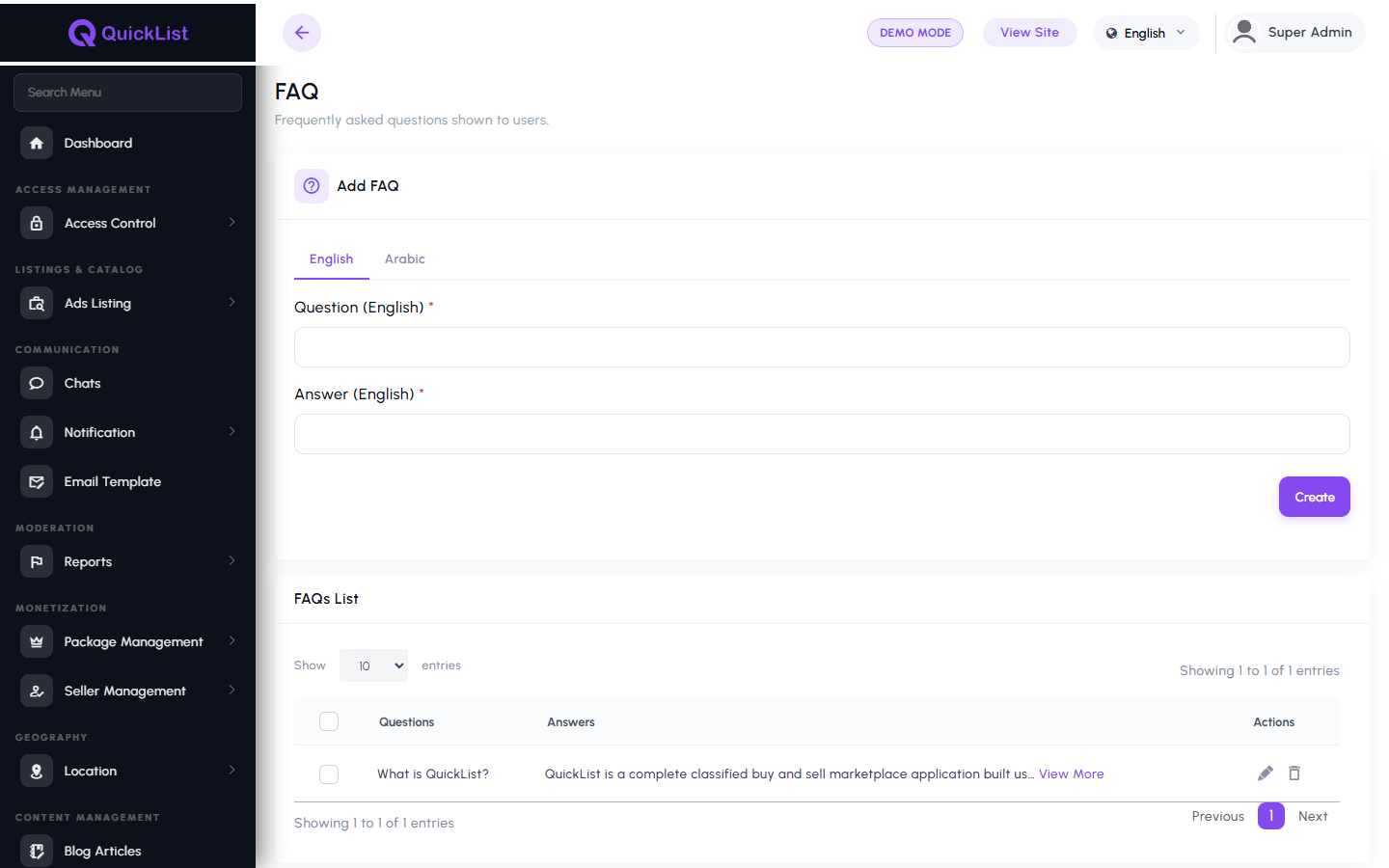
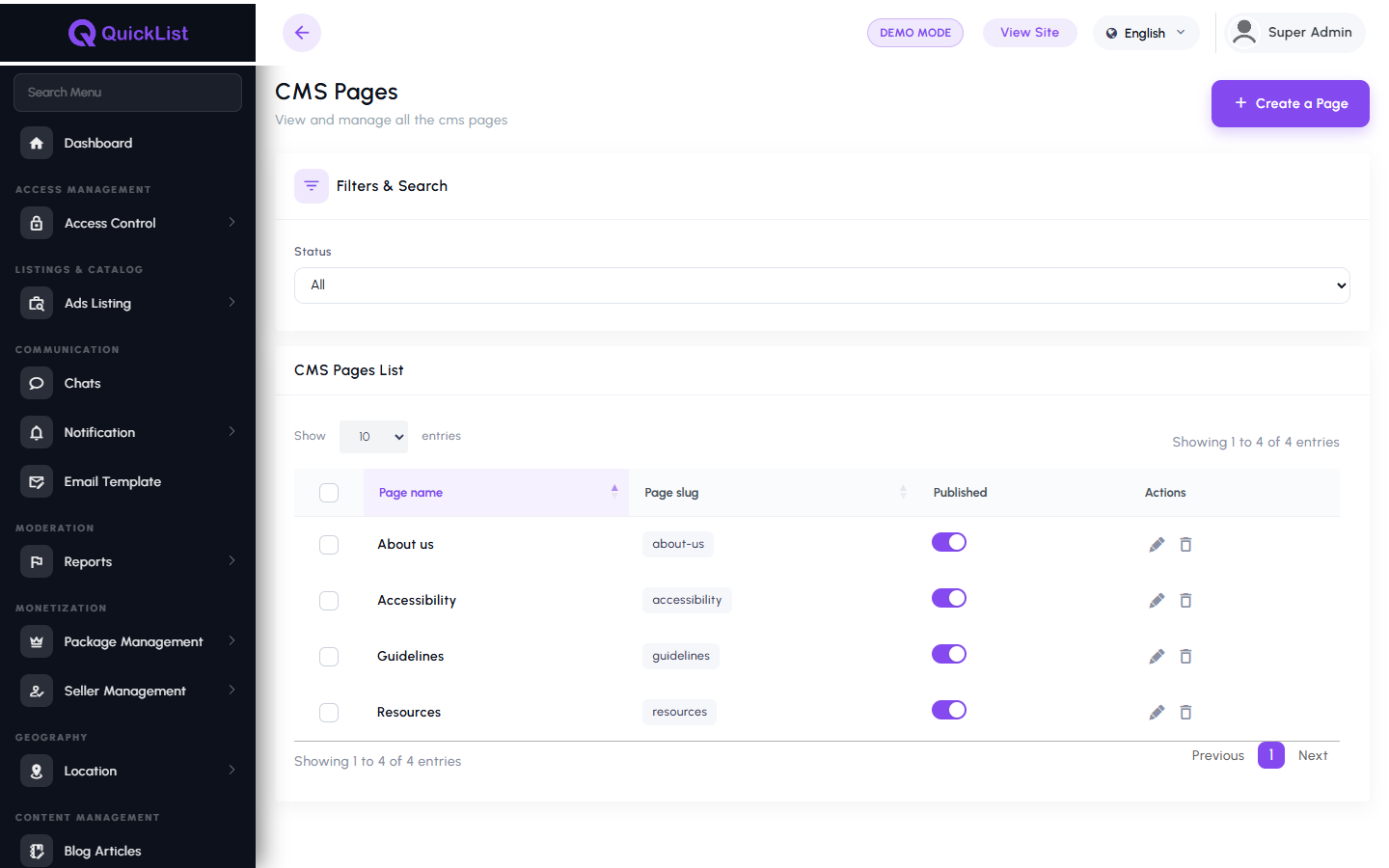
17.9. Content Management
- Blogs, FAQs, CMS Pages (About, Contact, Privacy, Terms, Refund).
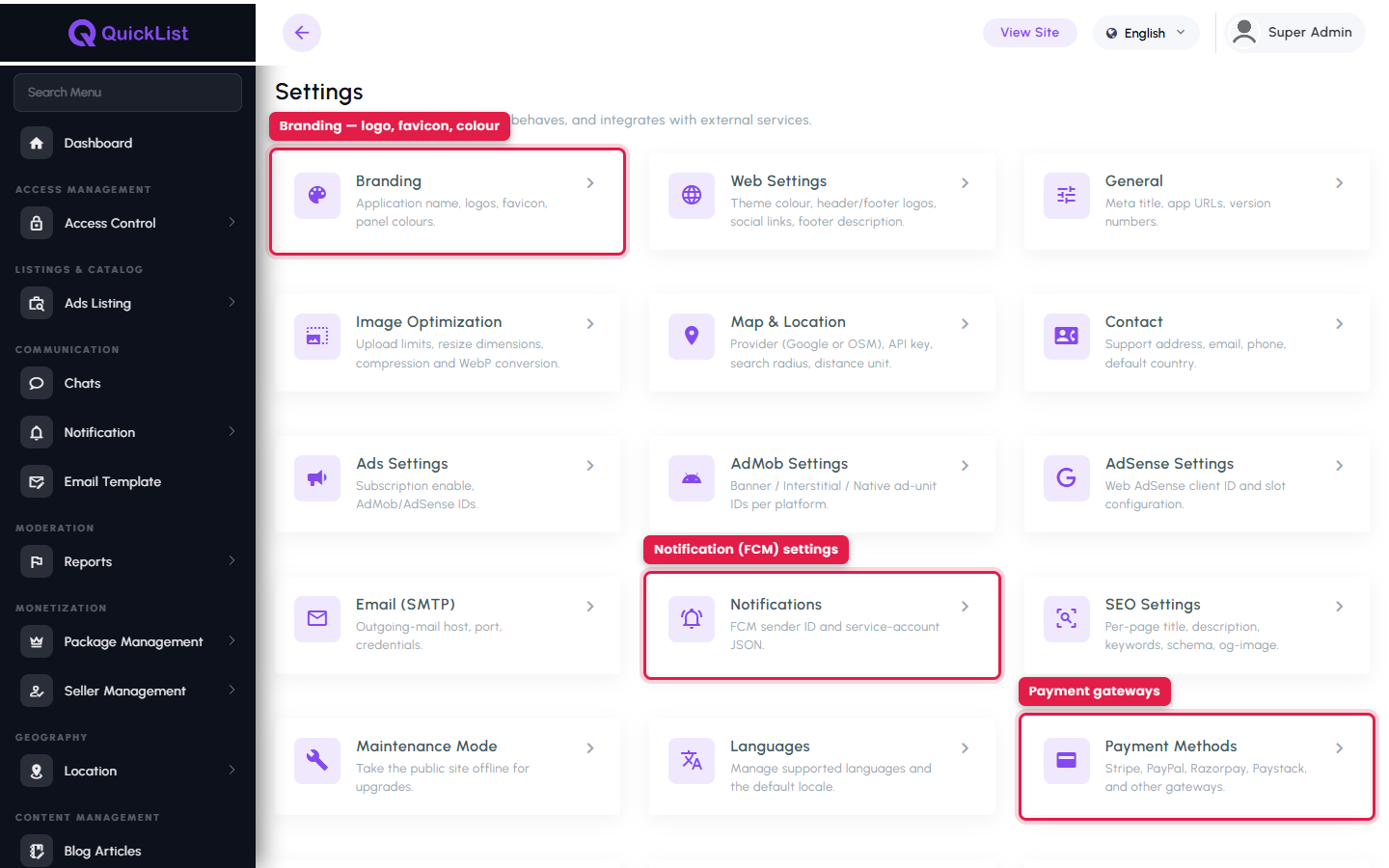
17.10. Settings & Configurations
The Settings hub centralizes all configuration cards:
- Branding — app name, logo, favicon, admin panel color.
- General — default language, API secret key, app/web versions, Play/App Store links.
- Web — website map, social media links.
- Image, Map, Contact, Ads — image handling, map provider/key, contact details, ad posting rules.
- AdMob & AdSense — ad network configuration.
- Email / SMTP — outgoing mail configuration.
- Notifications / FCM — Firebase Sender ID and service-account upload.
- SEO — per-page SEO metadata.
- Payment — configure all payment gateways (see next section).
- Languages — manage languages and translations.
- Maintenance, Footer Template, About Us, Refund Policy, Terms & Conditions, Privacy Policy, Logs.