7. Google Maps API Key (Flutter)
The apps use Google Maps for restaurant locations, address selection and live driver tracking. Create the key first — see Create Google Map API Key — then add it to both platforms.
7.1. For Android
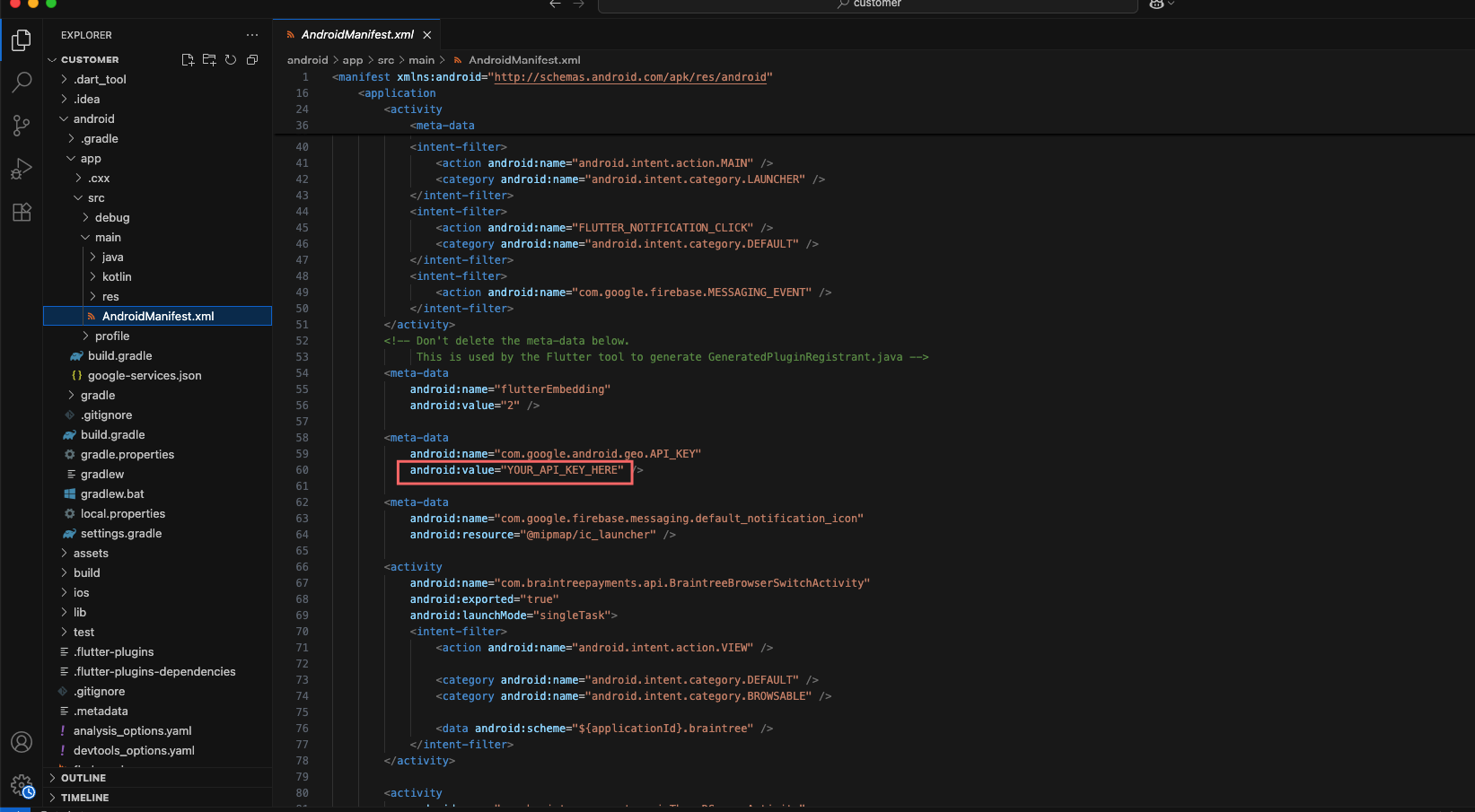
Open android/app/src/main/AndroidManifest.xml and set the key inside the <application> element:
<meta-data
android:name="com.google.android.geo.API_KEY"
android:value="YOUR_API_KEY_HERE"/>
7.2. For iOS
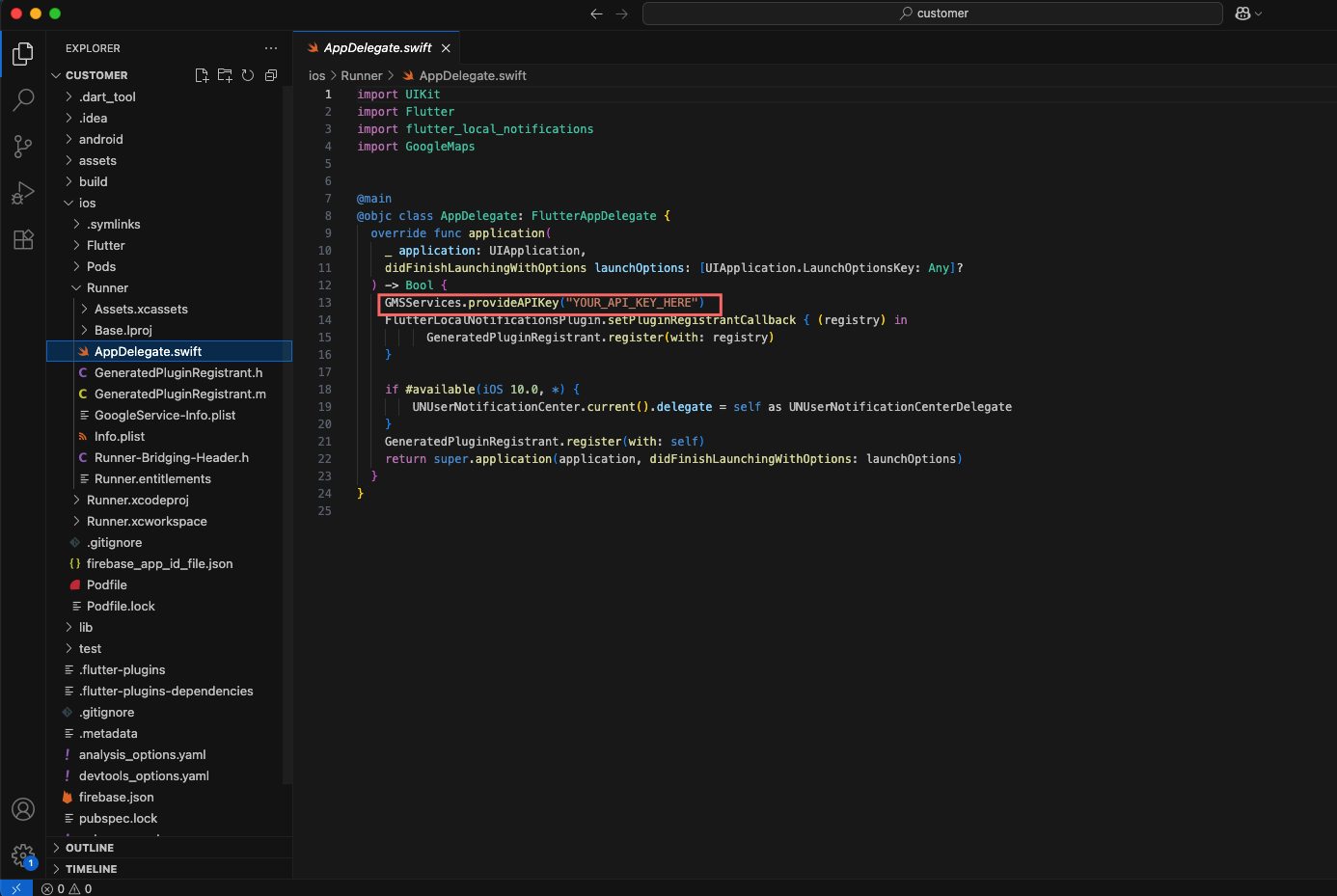
Open ios/Runner/AppDelegate.swift and set the key in didFinishLaunchingWithOptions:
GMSServices.provideAPIKey("YOUR_API_KEY_HERE")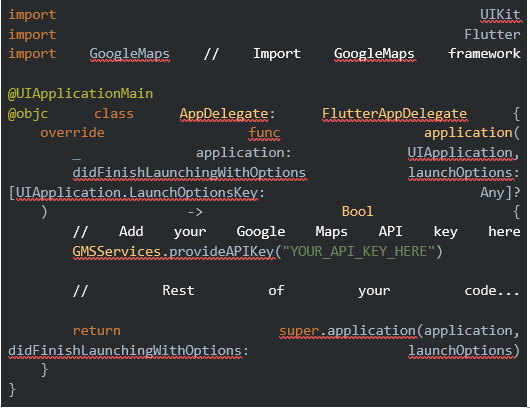
Rebuild the app after changing the key on either platform.



