11. FAQ
What should I do if I get the error “Missing project_info object”?
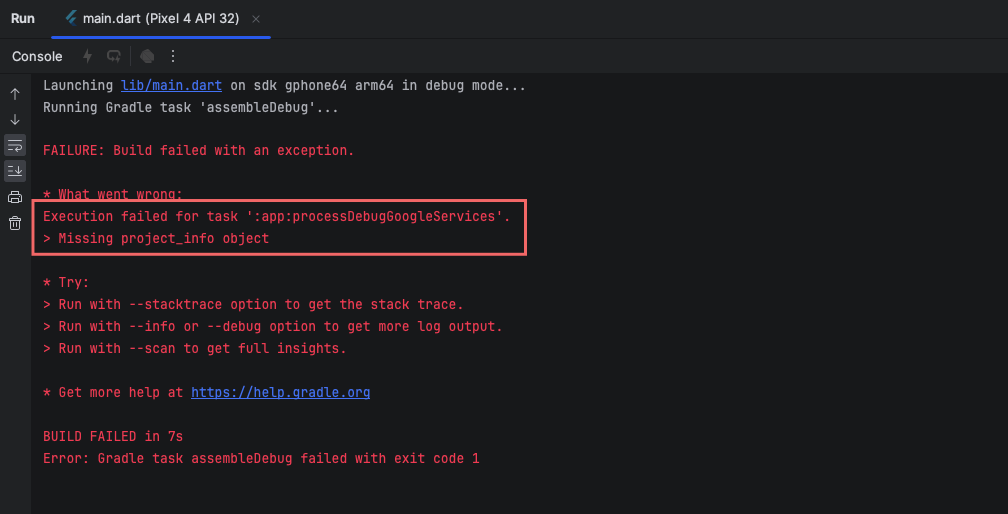
This Android build error means the google-services.json file is missing, in the wrong place, or does not match the package name.
Solution
- Check the file location.
google-services.jsonmust sit inandroid/app/— not inandroid/and not in the project root. - Check the package name. The
package_nameinside the JSON must match theapplicationIdinandroid/app/build.gradle. If you renamed the package, register the new one in Firebase and download the file again. - Verify the Firebase setup. Confirm the Android app is registered in the Firebase console under Project Settings → Your apps.
- Update the Google Services plugin. Make sure the
com.google.gms:google-servicesclasspath inandroid/build.gradleis a current version. - Re-sync and rebuild. Sync Gradle in Android Studio, then run:
flutter clean
flutter pub get
flutter run



