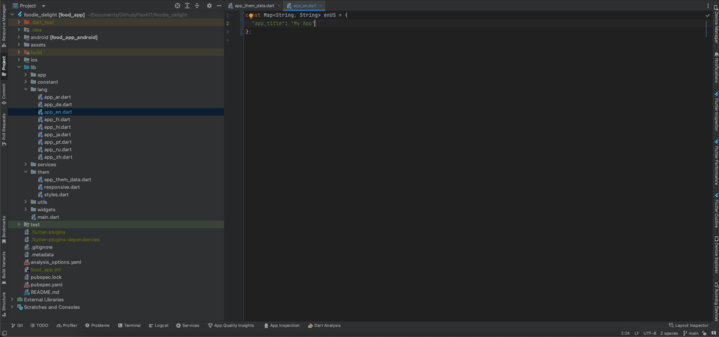
- Create a new Dart file named
app_en.dartin thelibdirectory of your Flutter project. In this file, you will define the English translations as a map. you can create a file name as per your language. - Create JSON localization files for each language you want to support. These files should contain key-value pairs for the translations.
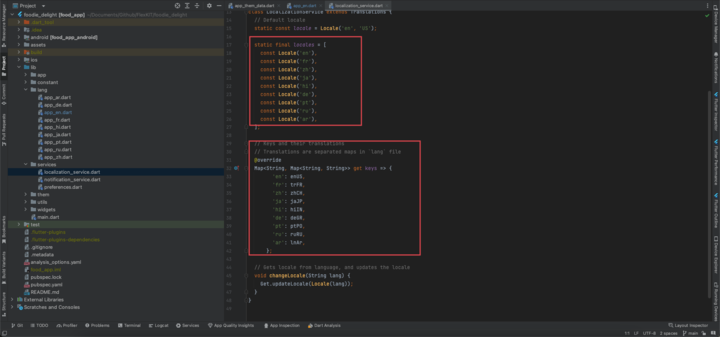
- Open the
lib/services/localization_service.dartfile in your Flutter project. This is where you’ll configure your app to use the language code and the corresponding language file.