21. Create Google Map API Key
QuickList uses Google Maps for ad location selection and display (with OpenStreetMap as a fallback).
21.1. Go to the Google Maps Platform and click Get Started.
21.2. Open the Google Cloud Platform home, then Billing and confirm your billing details are up to date (Google Maps will not work otherwise).
21.3. Go to APIs & Services → Credentials. Select an existing project or create a new one.
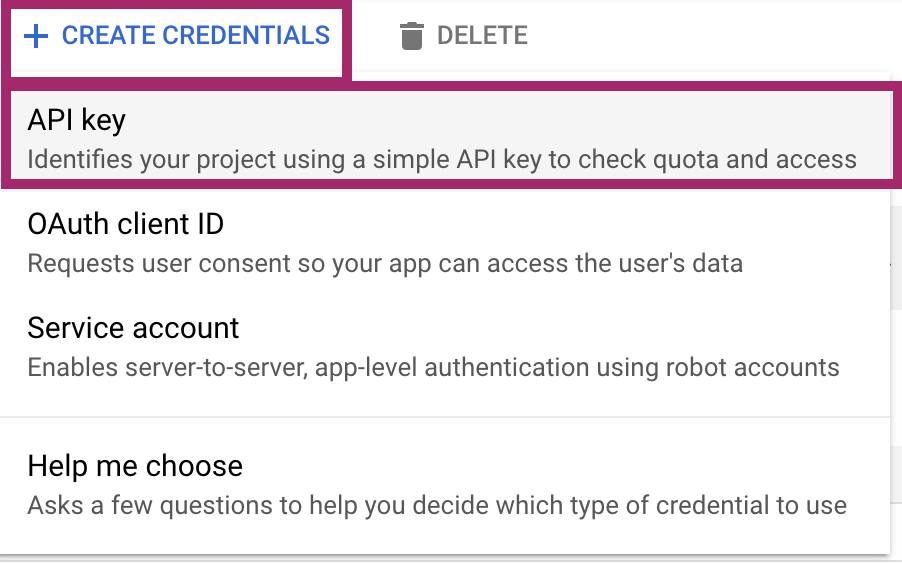
21.4. Click Create credentials → API key. Your new API key is displayed.
21.5. Enable the required APIs (Maps JavaScript API, Places API, Geocoding API) and restrict the key to your domains. Set this key in the admin panel under Settings → Map, and in the mobile app configuration.


